AliothPress is a self‑hosted CMS that automates the entire technical side of publishing. Core essentials like SEO, AEO, structured data, hreflang, image optimization, redirects, and HTTPS run fully automatically in the background and remain accessible to users at any skill level.
Built for global reach, the system scales seamlessly from a single‑language site to up to 31 languages, natively connected through translation groups. You can assemble layout‑driven content using a visual page builder with 21 block types, or write directly with the built‑in AI assistant. Forms and newsletters ship natively. 15 themes cover dark and light mode with verified accessibility. The entire installation is completed entirely through your browser on your own server, and all ongoing operation stays browser‑based.
For installation steps and the technical
reference, see the Installation Guide and the Documentation. The articles below
cover what AliothPress can do in action.
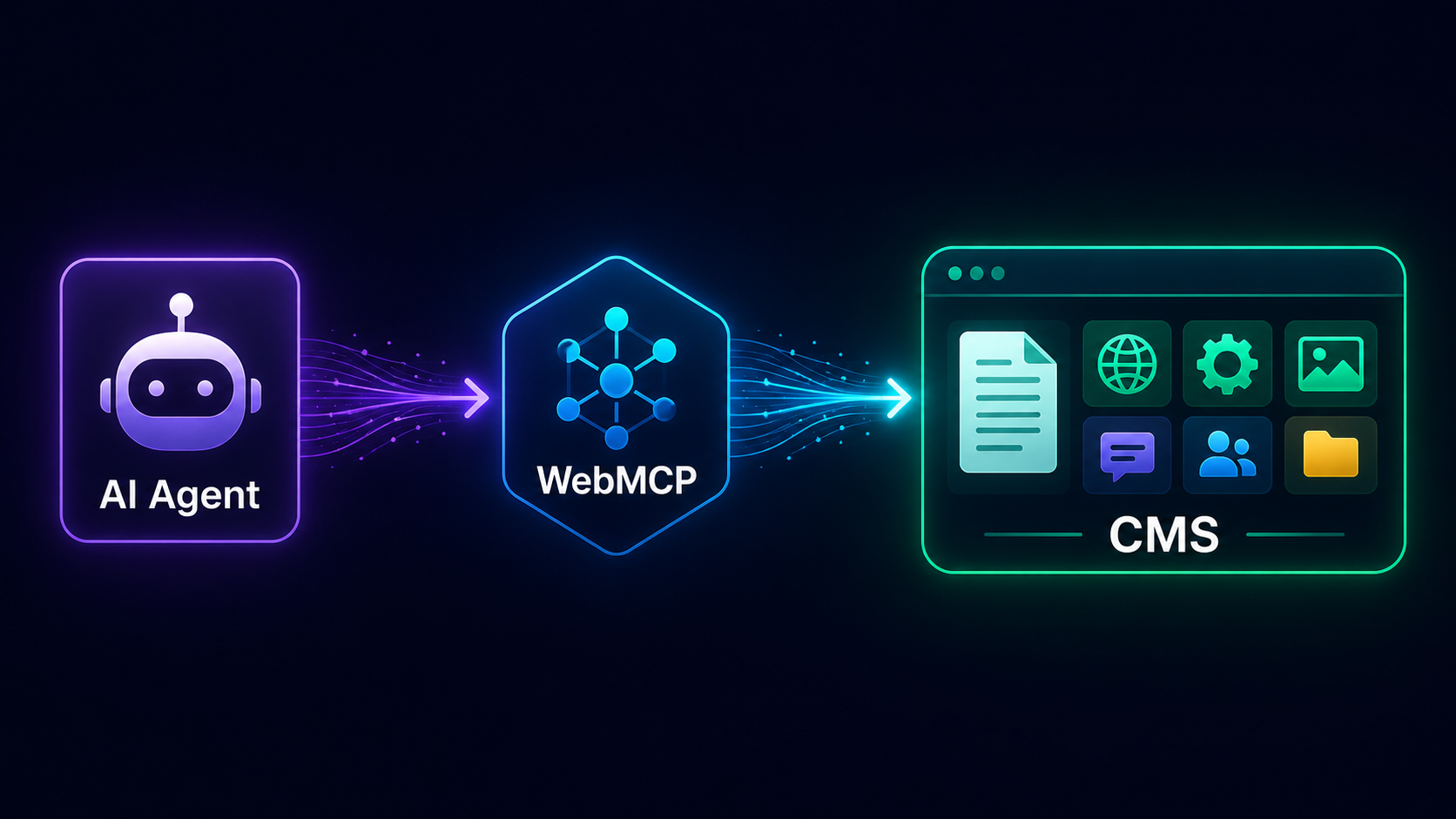
This guide is written for you, the agent, and for the developers who build you. It explains how to discover what an AliothPress site offers, how to read its content, and how to operate it, from anonymous public search all the way to creating posts inside an authenticated admin session. Everything below was verified against a live installation.
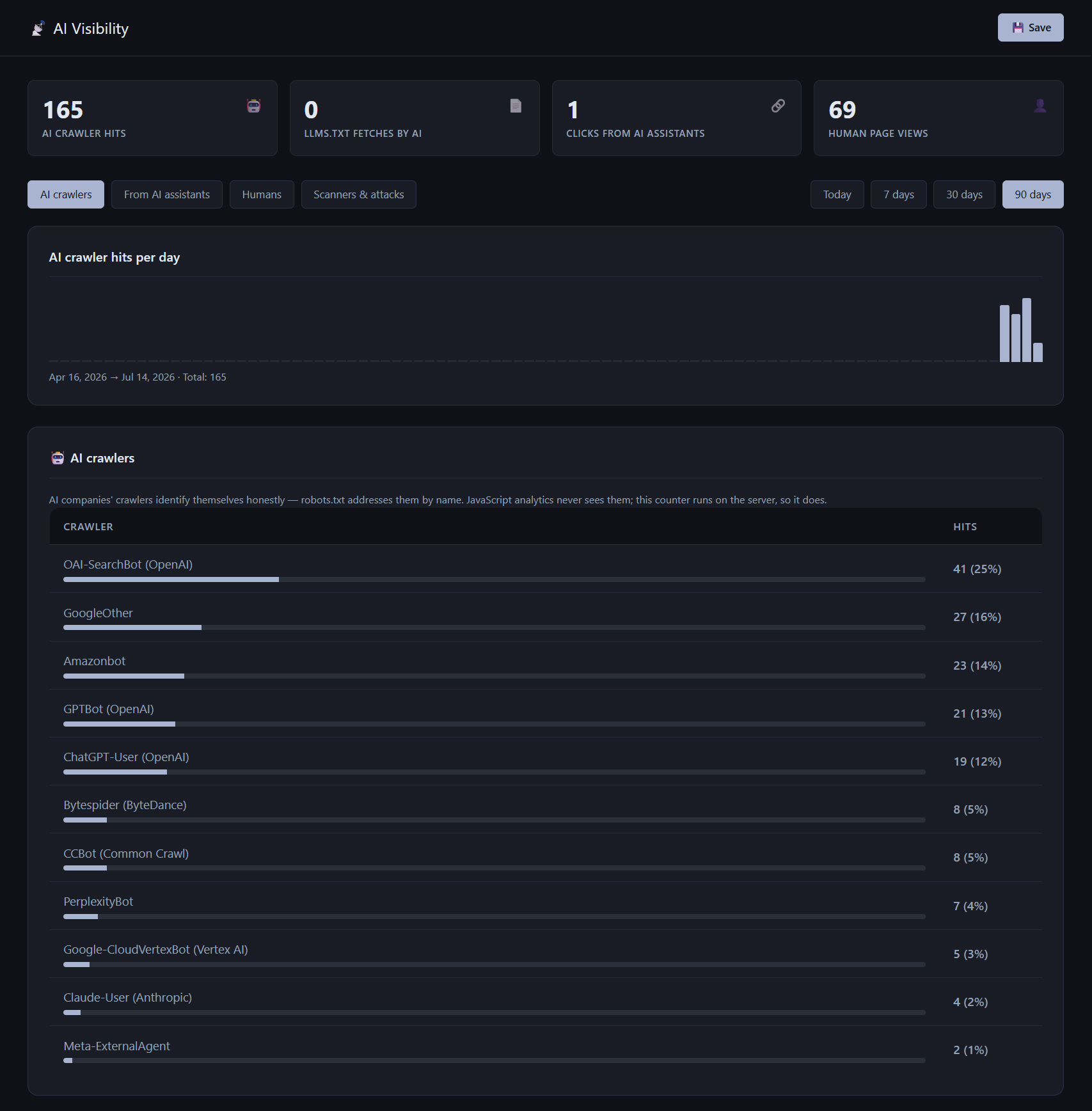
AI Visibility is a free AliothPress plugin that shows how AI reads your website: which AI crawlers visit and what they read, whether your /llms.txt file gets fetched, and which visitors arrive from AI assistants such as ChatGPT, Perplexity, Microsoft Copilot, and Google Gemini. It also counts human page views with a lightweight cookieless beacon. Everything runs on your own server, every byte of data stays in your own database
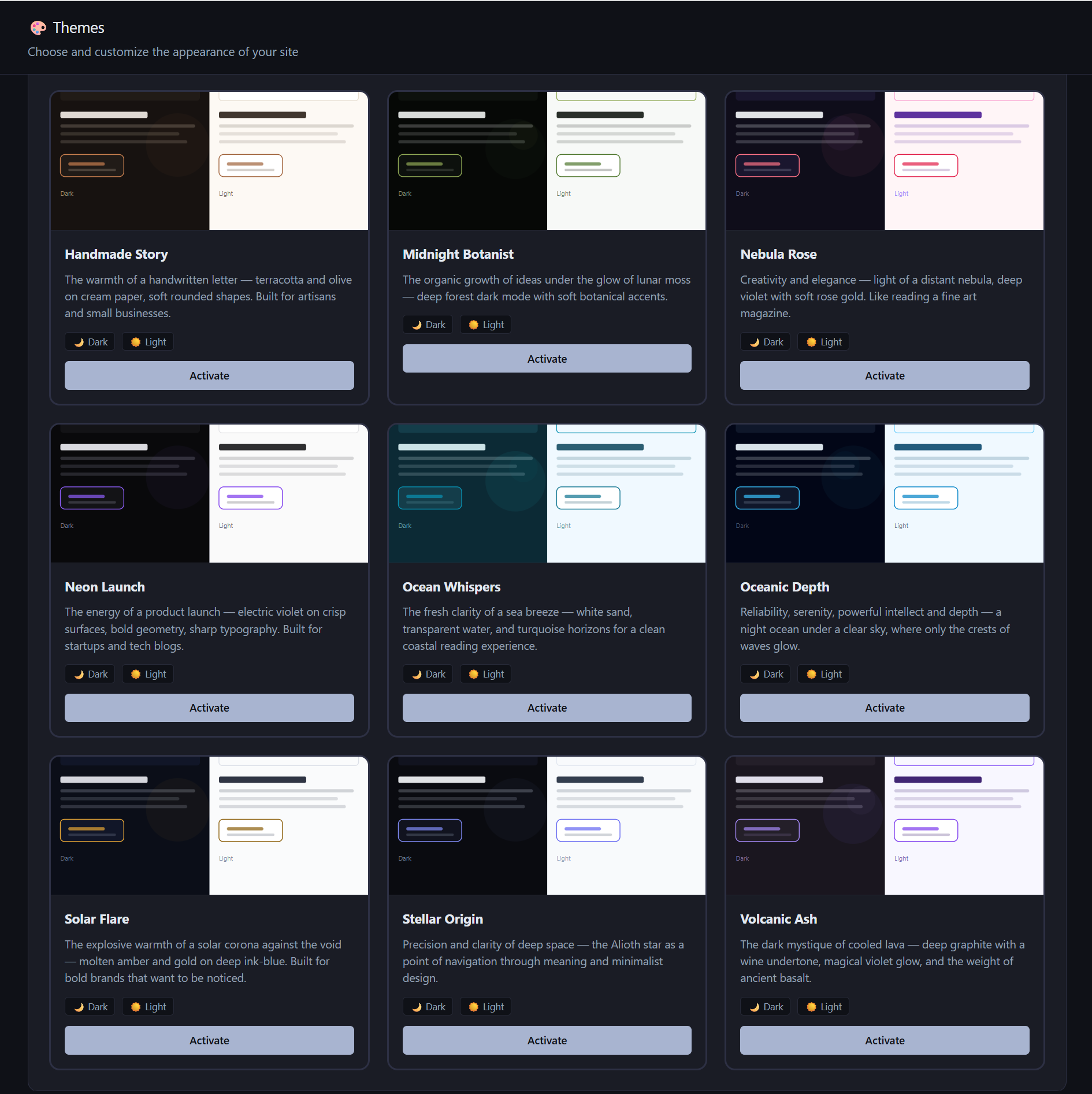
AliothPress ships with 15 built-in themes, each supporting dark and light mode, and scores 100/100 in Google PageSpeed Insights accessibility audits across all 15 in both modes. Visitors toggle between modes with one click, the site owner sets the default or locks a single mode, and a Custom CSS field adjusts any theme without touching its files. Custom themes install from a ZIP archive and survive core
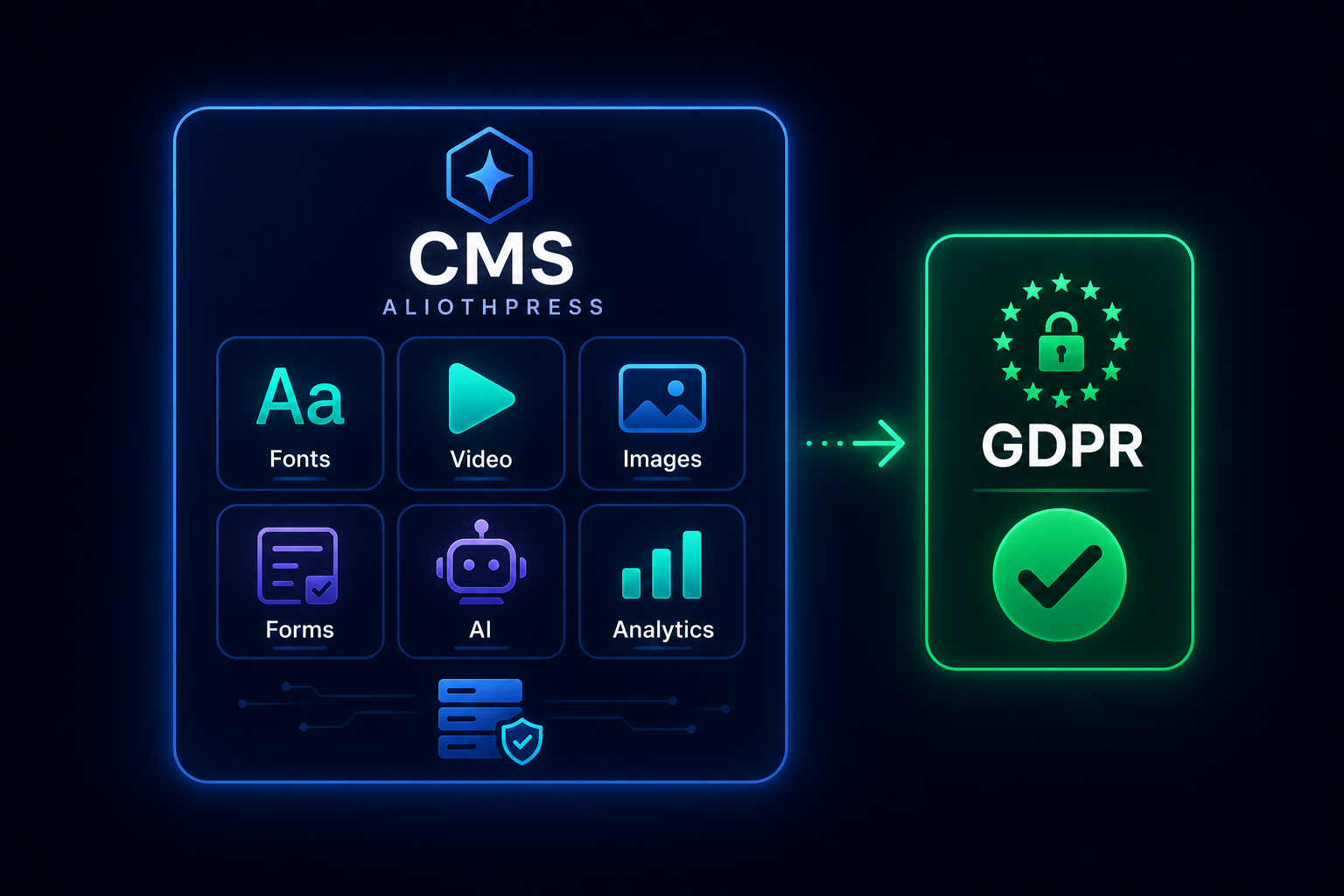
AliothPress is a self-hosted CMS that makes zero requests to third-party domains by default. No Google Fonts, no CDN scripts, no trackers, no embed iframes on page load. For a default configuration this means: no visitor IP addresses shared with anyone, no cookie consent banner required, no Data Processing Agreements beyond your own hosting provider.
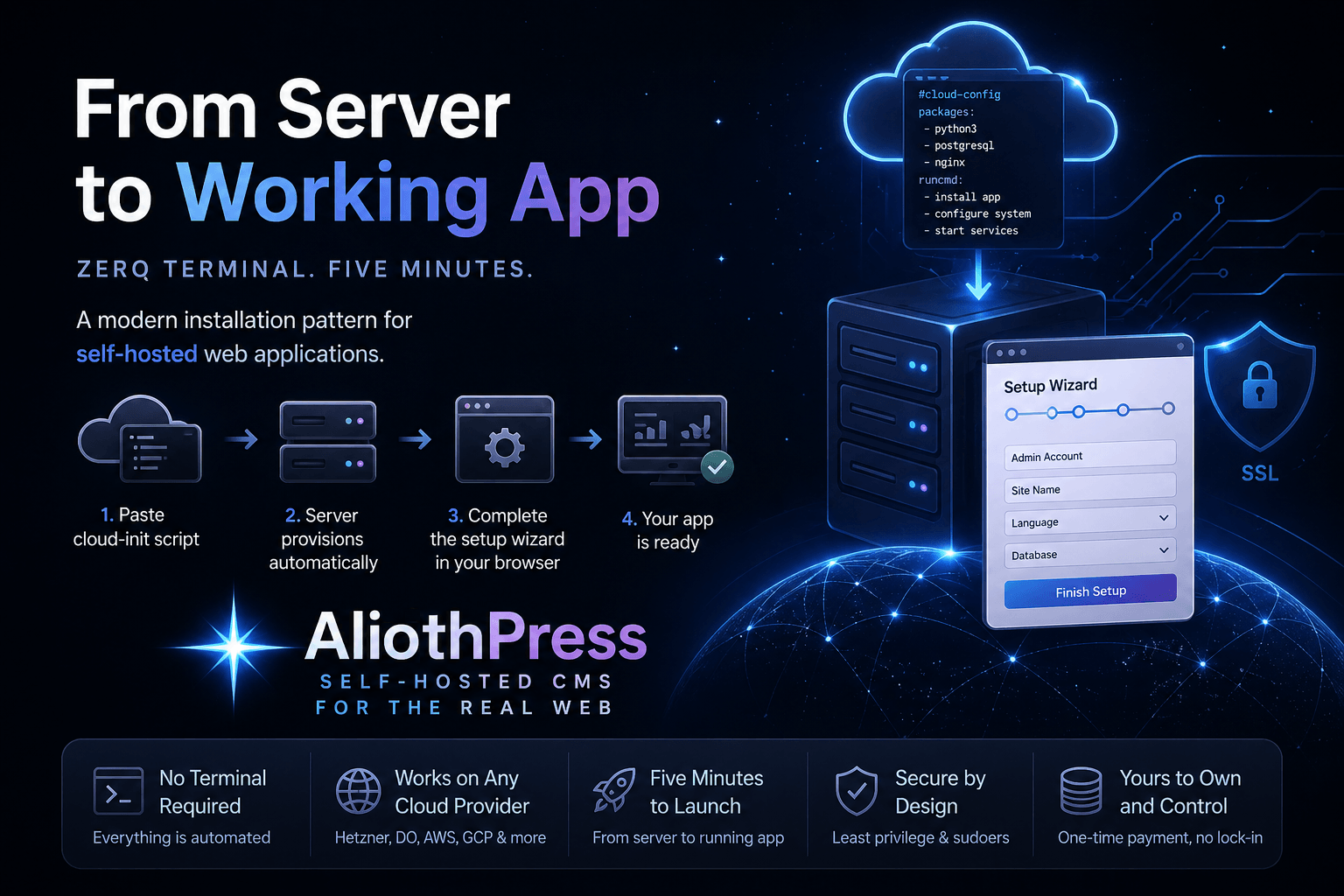
AliothPress installs without a terminal, without a command line, and without server experience. The whole process is: create a cloud server, paste one script into the provider's cloud-init field, open your browser, and finish a four-step setup wizard. HTTPS with a free auto-renewing certificate is one click in the admin panel afterwards. The step-by-step walkthrough with screenshots, provider specifics, DNS setup
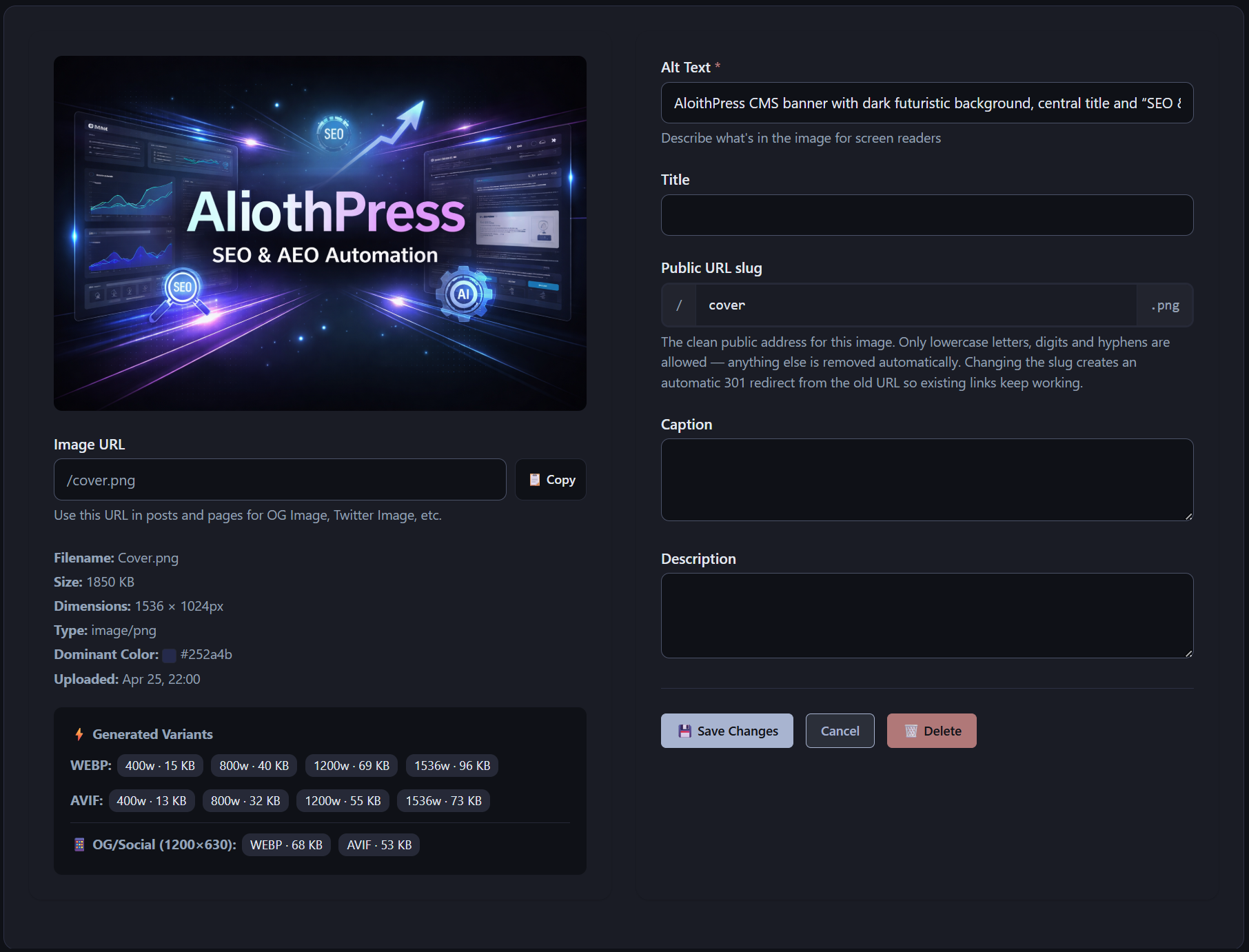
AliothPress optimizes every image at upload time. One upload produces responsive WebP and AVIF variants at four breakpoints, a 1200×630 social sharing crop, a dominant color placeholder, and a clean public URL. EXIF metadata is stripped, orientation is corrected, and SVG files are sanitized. Documents live in a separate File Manager with short download URLs, and the Favicon Manager
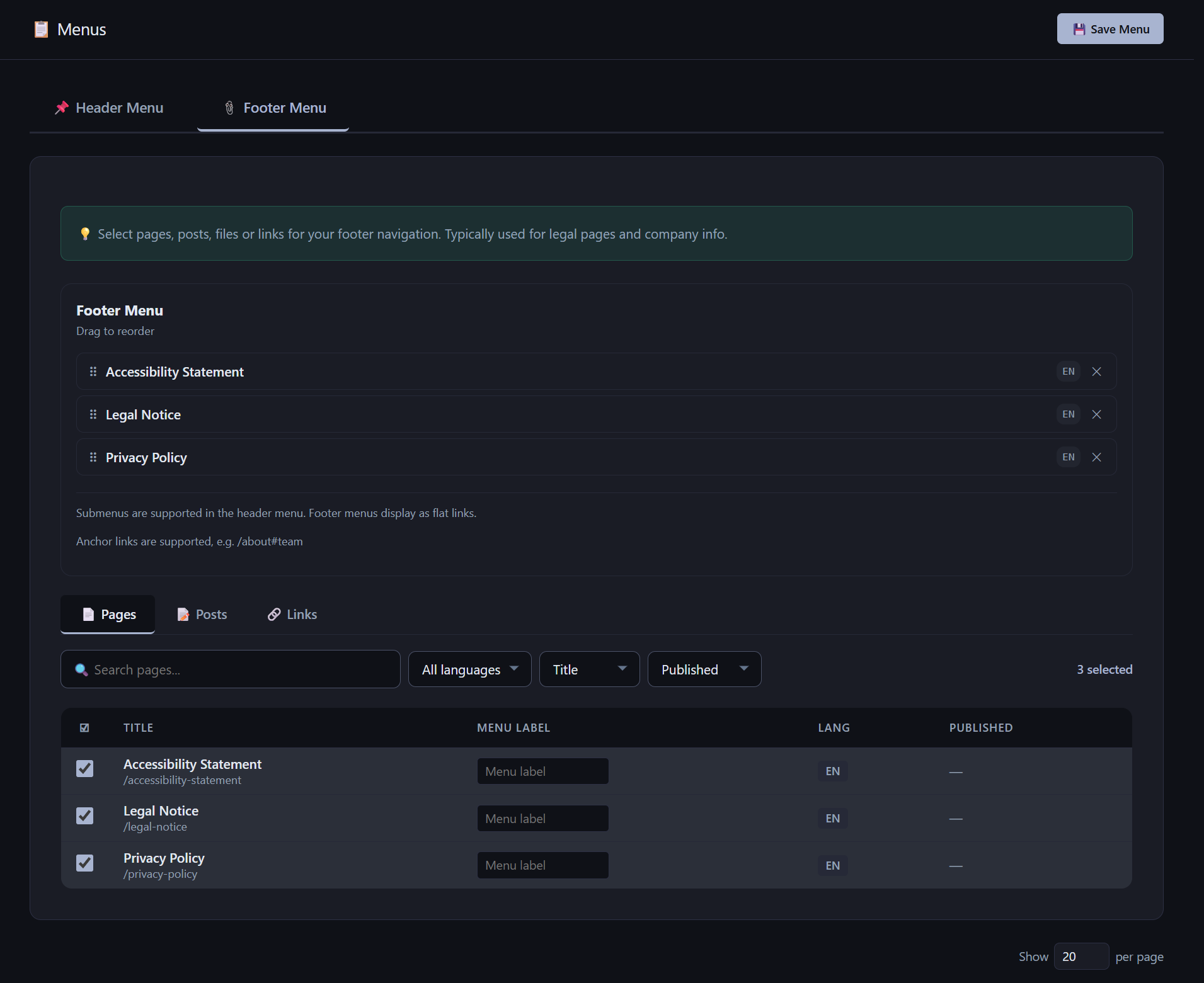
AliothPress uses one menu tree for all languages. You build the menu once, and each visitor sees it resolved into their language automatically: correct slugs, translated labels, and no links to unavailable content. The header menu supports up to 3 levels (top item → child → grandchild). The footer menu is intentionally flat. Menu items can be pages, posts, or custom links (including anchors and file URLs)
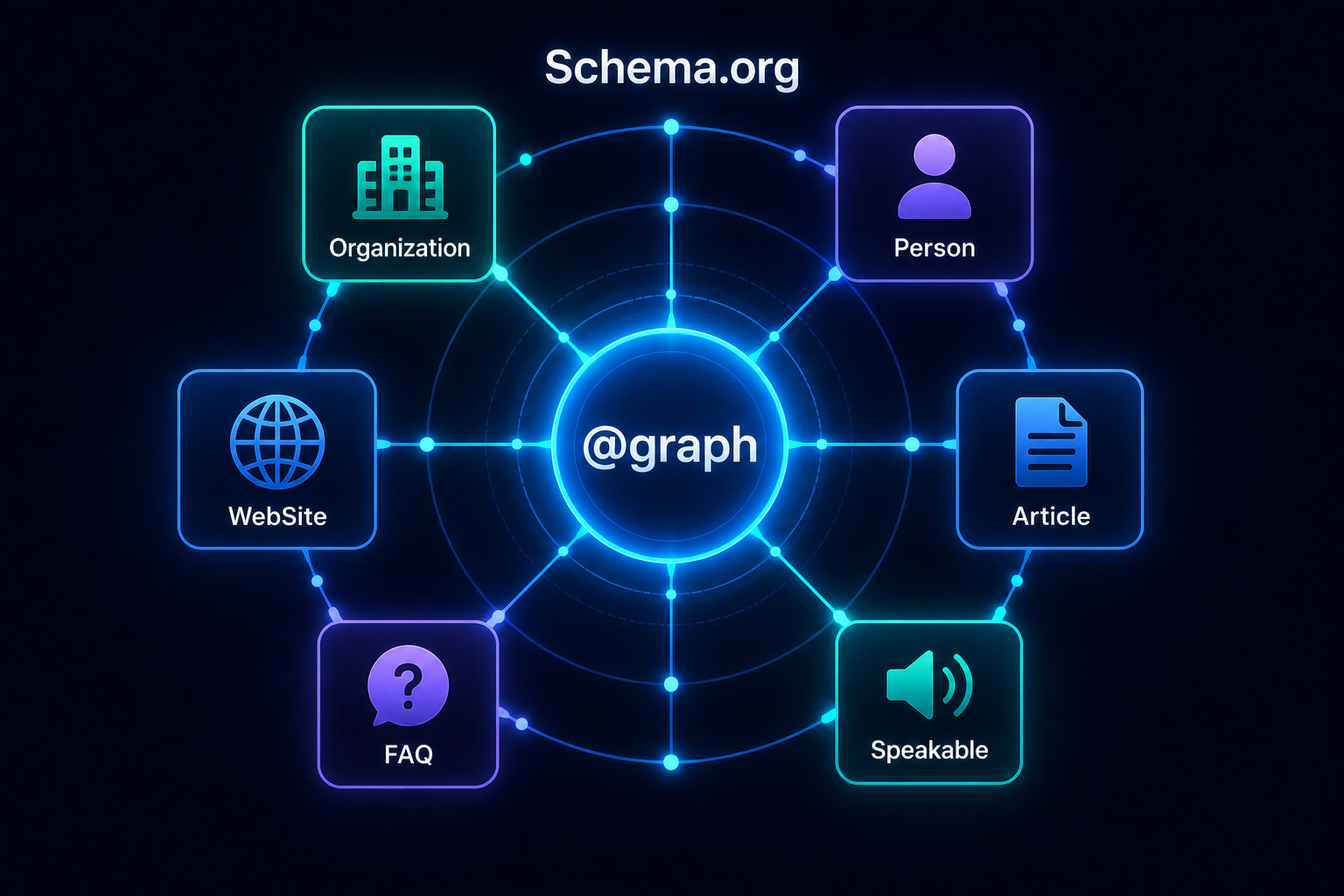
Every page on an AliothPress site carries a complete Schema.org @graph in JSON-LD: Organization, Person, WebSite, and Article entities connected to each other by identifier, plus FAQPage, Speakable, and CollectionPage markup where the content calls for it. Nothing is pasted, installed, or maintained by hand. The graph is generated from your site settings, author profiles, and the content itself
A standard YouTube embed contacts Google's servers the moment the page loads and sends the visitor's IP address before anyone presses play. Under the GDPR that requires prior consent, which is why video embeds are a main reason cookie banners exist. AliothPress solves this at the engine level: embeds load with zero requests to YouTube or Vimeo, so a site with videos needs no consent banner for them.
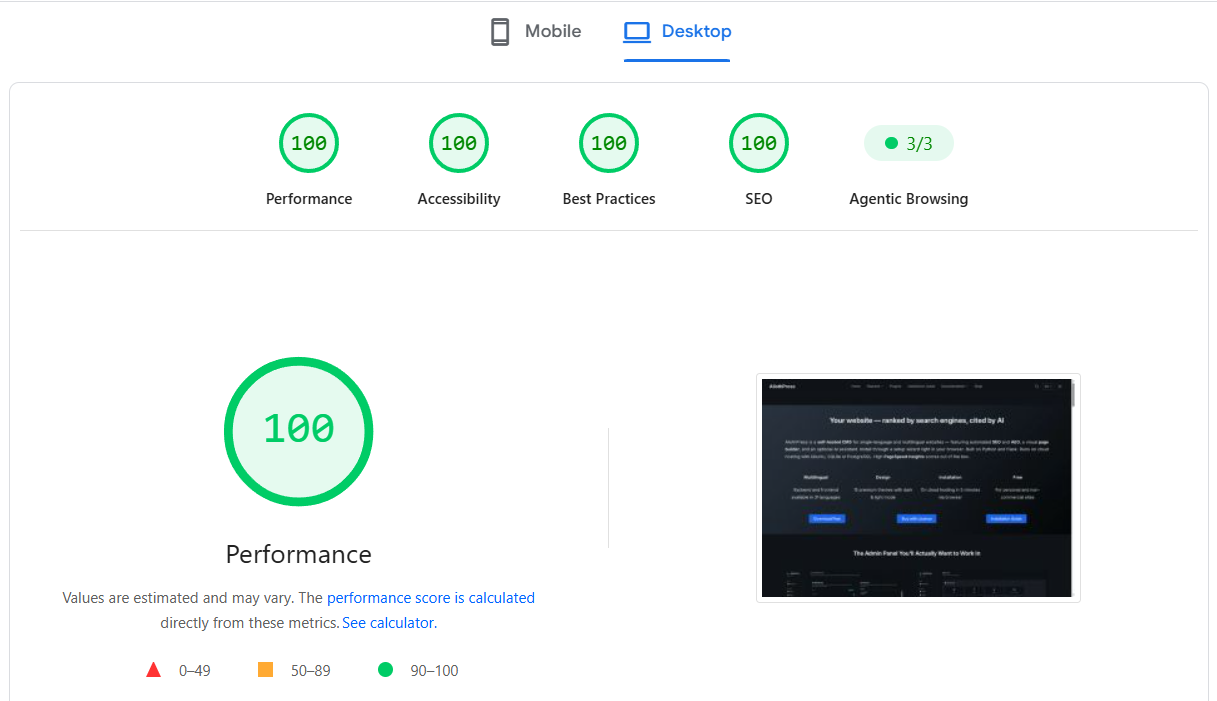
AliothPress scores 100 in all four Google PageSpeed Insights categories (Performance, Accessibility, Best Practices, and SEO) and passes 4/4 in Agentic Browsing, the category Google added in 2026 to grade sites for AI agents. These are not scores of a tuned demo page. This site runs on AliothPress, and the results come from how the engine builds every page, on every theme, in both dark and light mode.
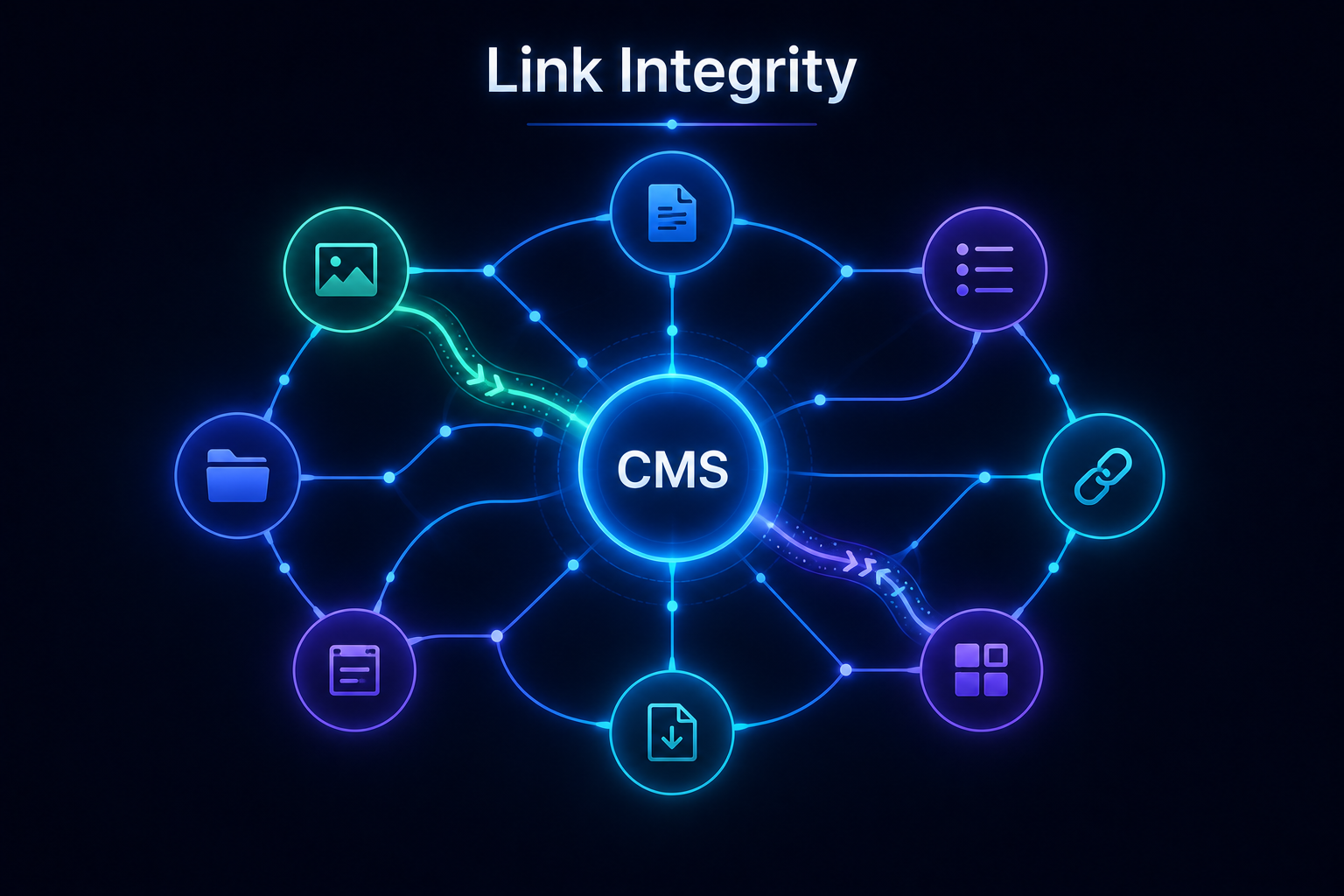
AliothPress handles content structure changes at the core level through two automated mechanisms: One-Hop 301 Redirects for renamed URLs and Cascade Reference Cleanup for deleted assets. Change a slug and a permanent 301 redirect appears on its own, so old URLs, backlinks, and rankings keep working. Delete an image, file, form, post, or page and every reference to it is cleaned from the entire site
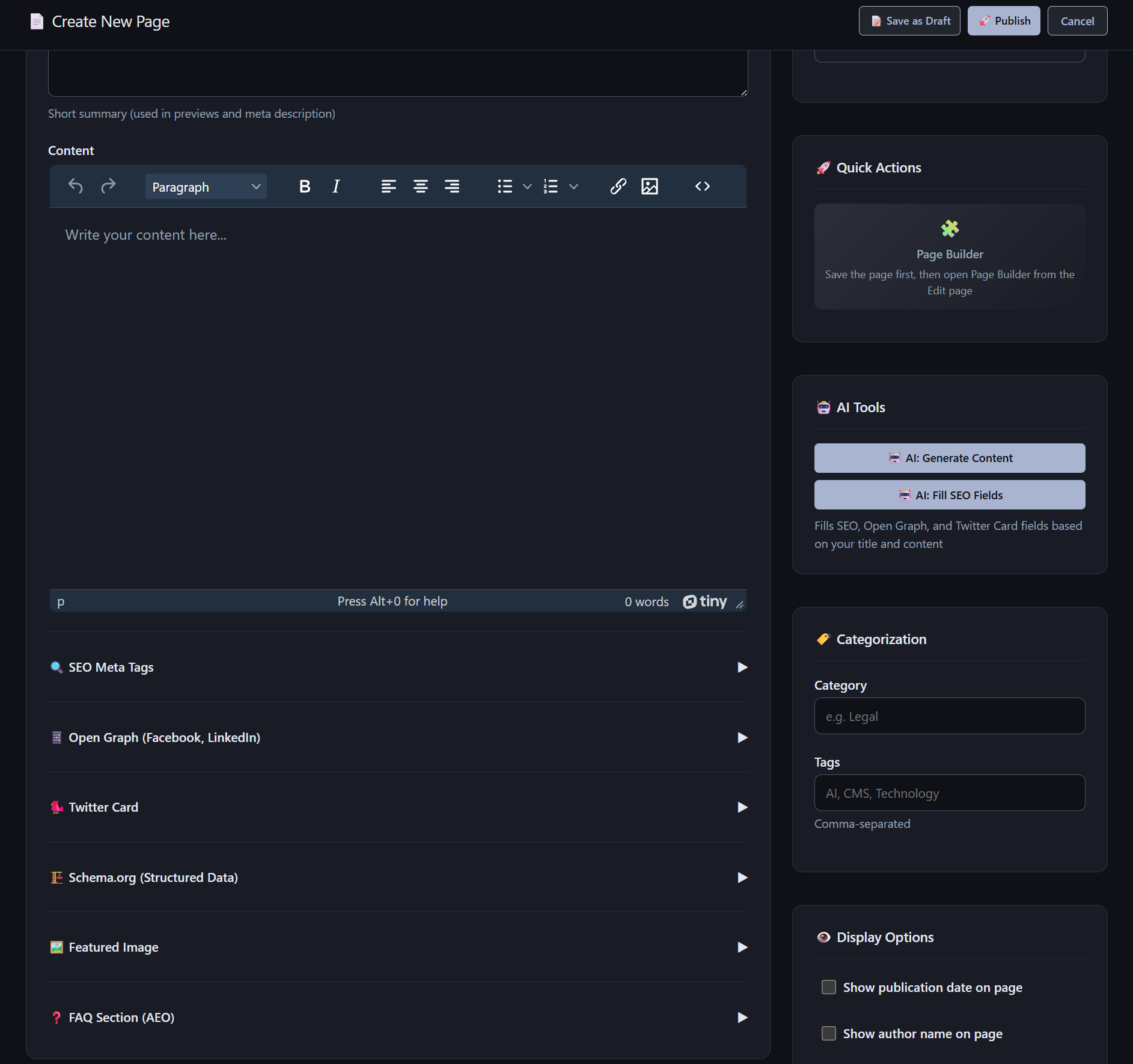
Posts and pages are the two content types at the heart of AliothPress. Both share the same editing workflow: a draft and published status with live preview, a rich text editor or the visual page builder to choose from, a featured image with alt text and caption, an excerpt, tags and categories, a per-item FAQ editor, and full SEO metadata in the sidebar. Pages add layout templates that control content