AliothPress is a self‑hosted CMS that automates the entire technical side of publishing. Core essentials like SEO, AEO, structured data, hreflang, image optimization, redirects, and HTTPS run fully automatically in the background and remain accessible to users at any skill level.
Built for global reach, the system scales seamlessly from a single‑language site to up to 31 languages, natively connected through translation groups. You can assemble layout‑driven content using a visual page builder with 21 block types, or write directly with the built‑in AI assistant. Forms and newsletters ship natively. 15 themes cover dark and light mode with verified accessibility. The entire installation is completed entirely through your browser on your own server, and all ongoing operation stays browser‑based.
For installation steps and the technical
reference, see the Installation Guide and the Documentation. The articles below
cover what AliothPress can do in action.
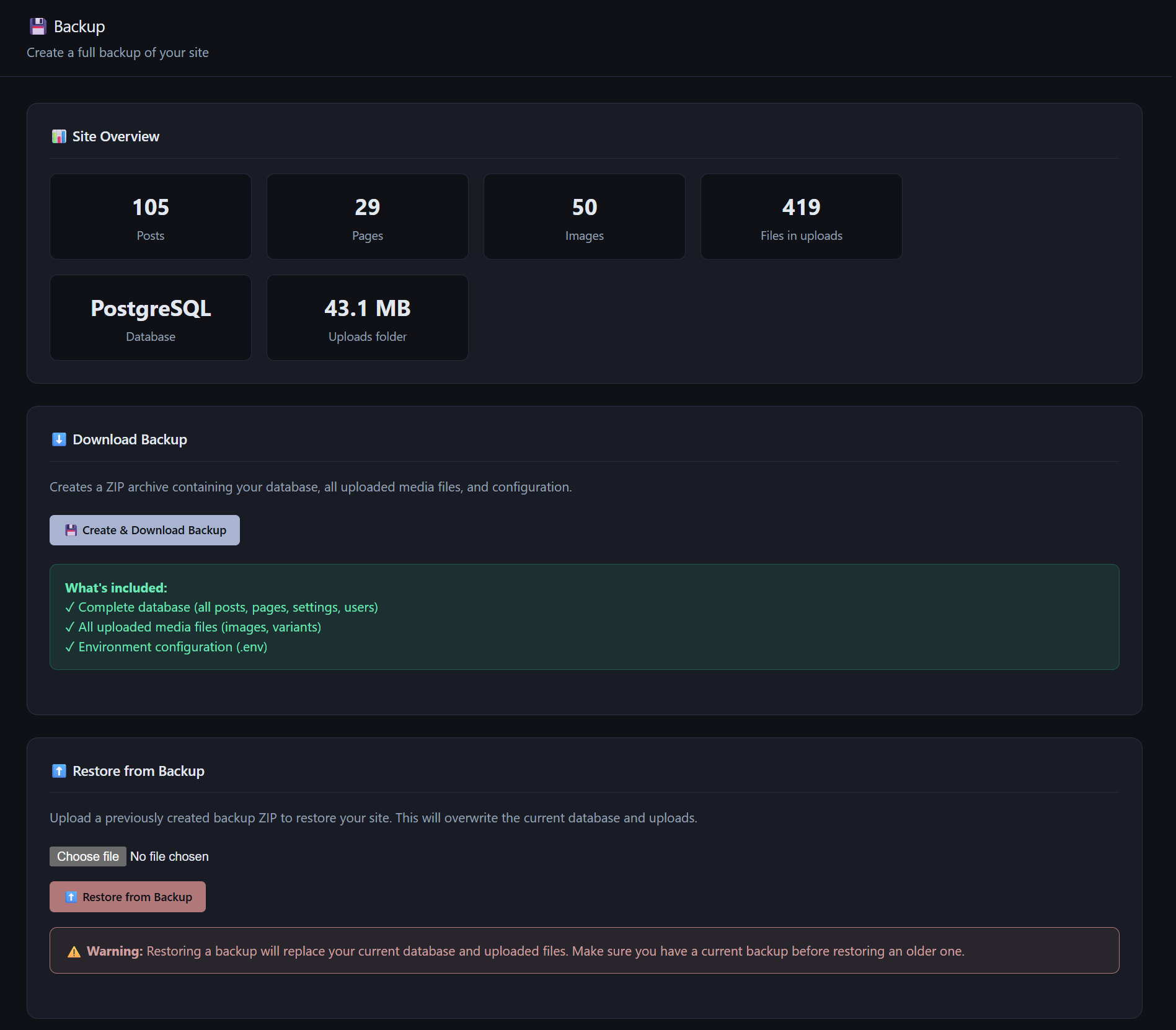
AliothPress creates a complete site backup in one click. The downloadable ZIP contains the database, every uploaded image and file, installed plugin code, and a copy of the configuration with secrets masked. Restore works the same way in reverse: upload the archive in the admin panel, and the database, uploads, and plugins come back. Both operations run from the browser, are restricted to the
AliothPress applies layered security to every installation: CSRF tokens on all state-changing requests, rate limiting with automatic brute-force lockout, optional two-factor authentication with layered recovery, encrypted storage for SMTP passwords and API keys, allow-list HTML sanitization, server-side SVG cleaning, strict security headers on every response, and a persistent audit log of admin activity.
You type your password, the code screen appears, and the code does not work. Or the phone with the authenticator app is gone. This page lists every way back into an AliothPress account, from the fastest to the last resort. None of them requires reinstalling anything, and no content is lost along the way. How the feature works under the hood is covered in the Security article.
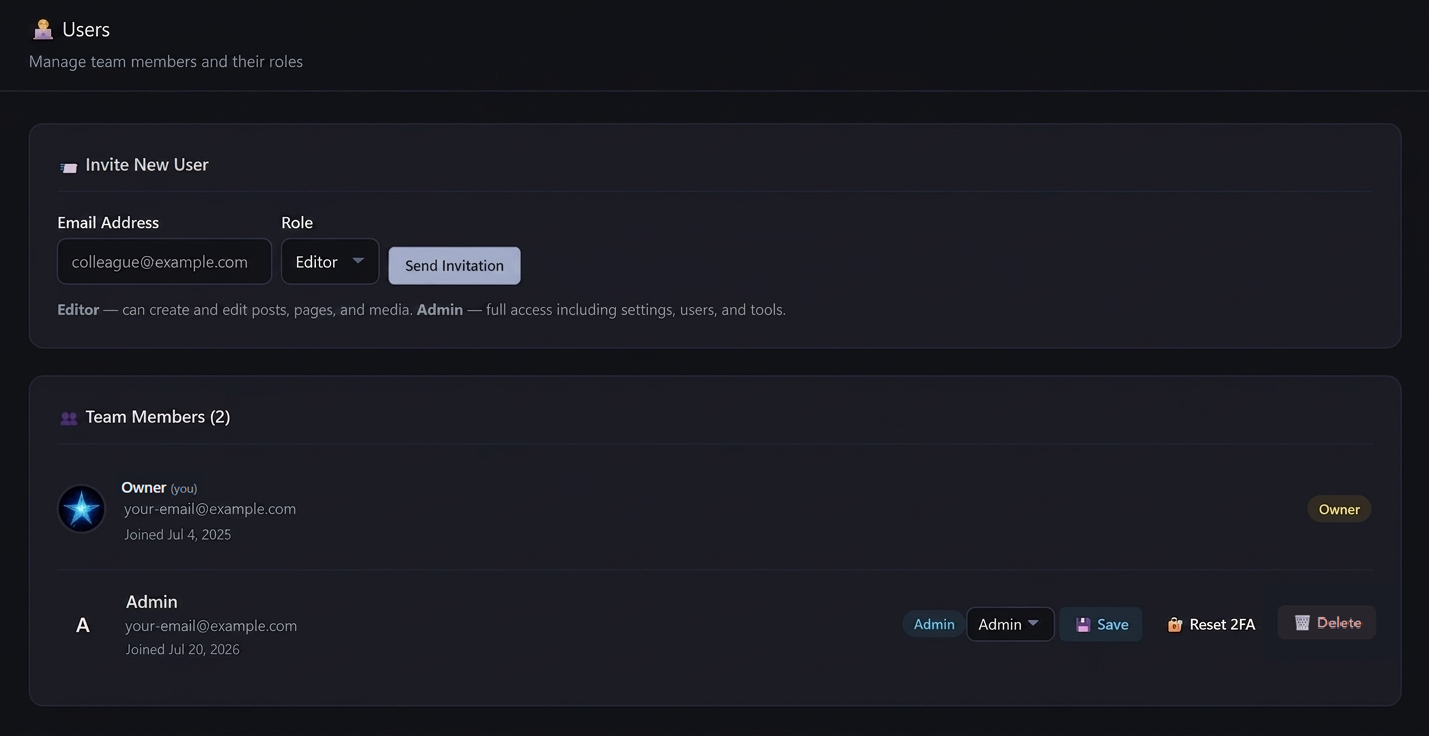
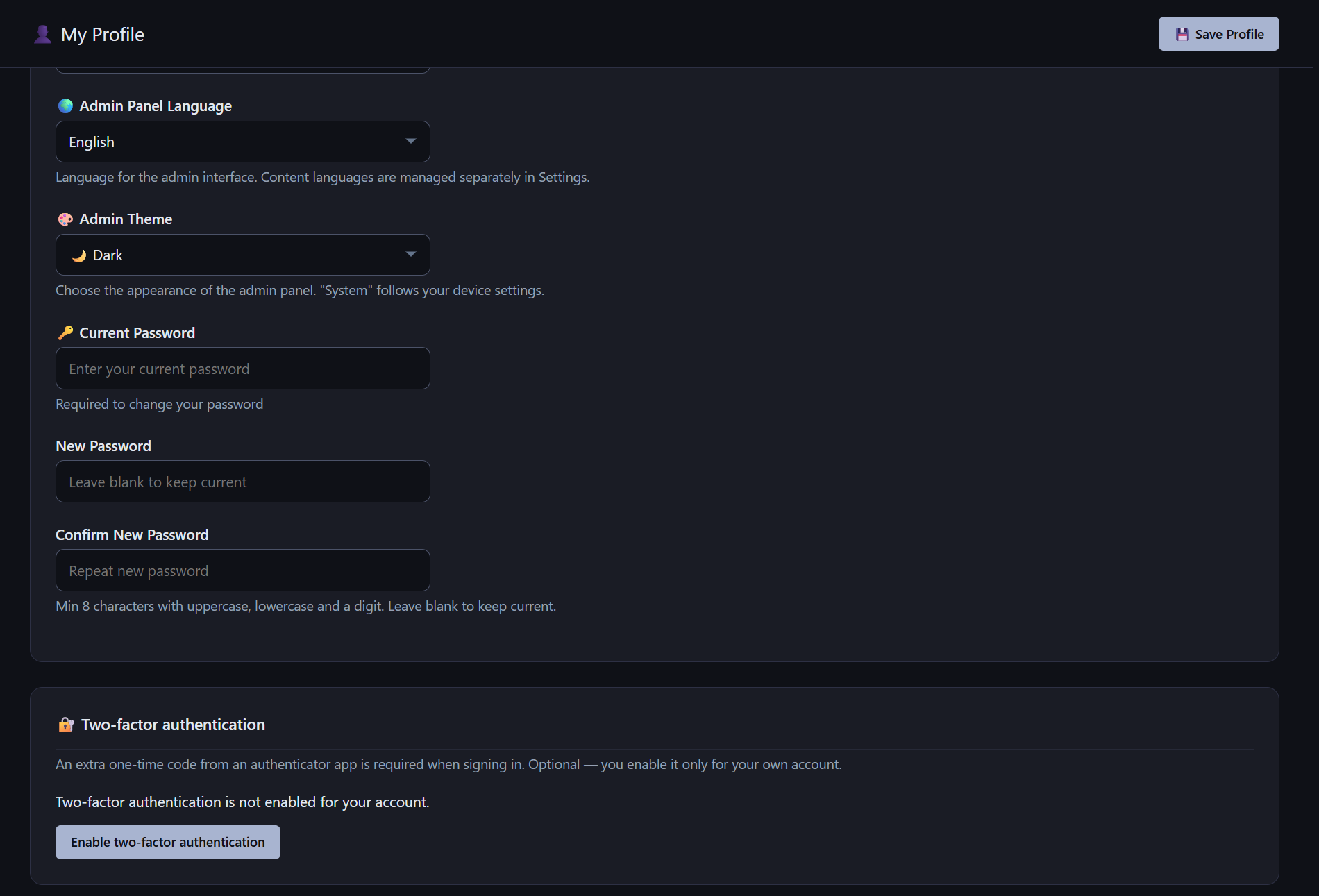
AliothPress manages team access through three roles: Owner, Admin, and Editor. New team members join through email invitations with expiring links and set their own passwords, so credentials are never sent in plain text. Every user picks a personal admin panel language from the 31 available and a light, dark, or system interface theme. Password changes invalidate all active sessions for that account, and
The AliothPress Settings page manages the whole site from one place: license and updates, site identity, active languages, analytics with an optional cookie consent banner, email delivery, domain and HTTPS with a free auto-renewing certificate, the footer, and organization identity fields for AI visibility. The personal Profile page adds author identity, admin panel language and theme, and
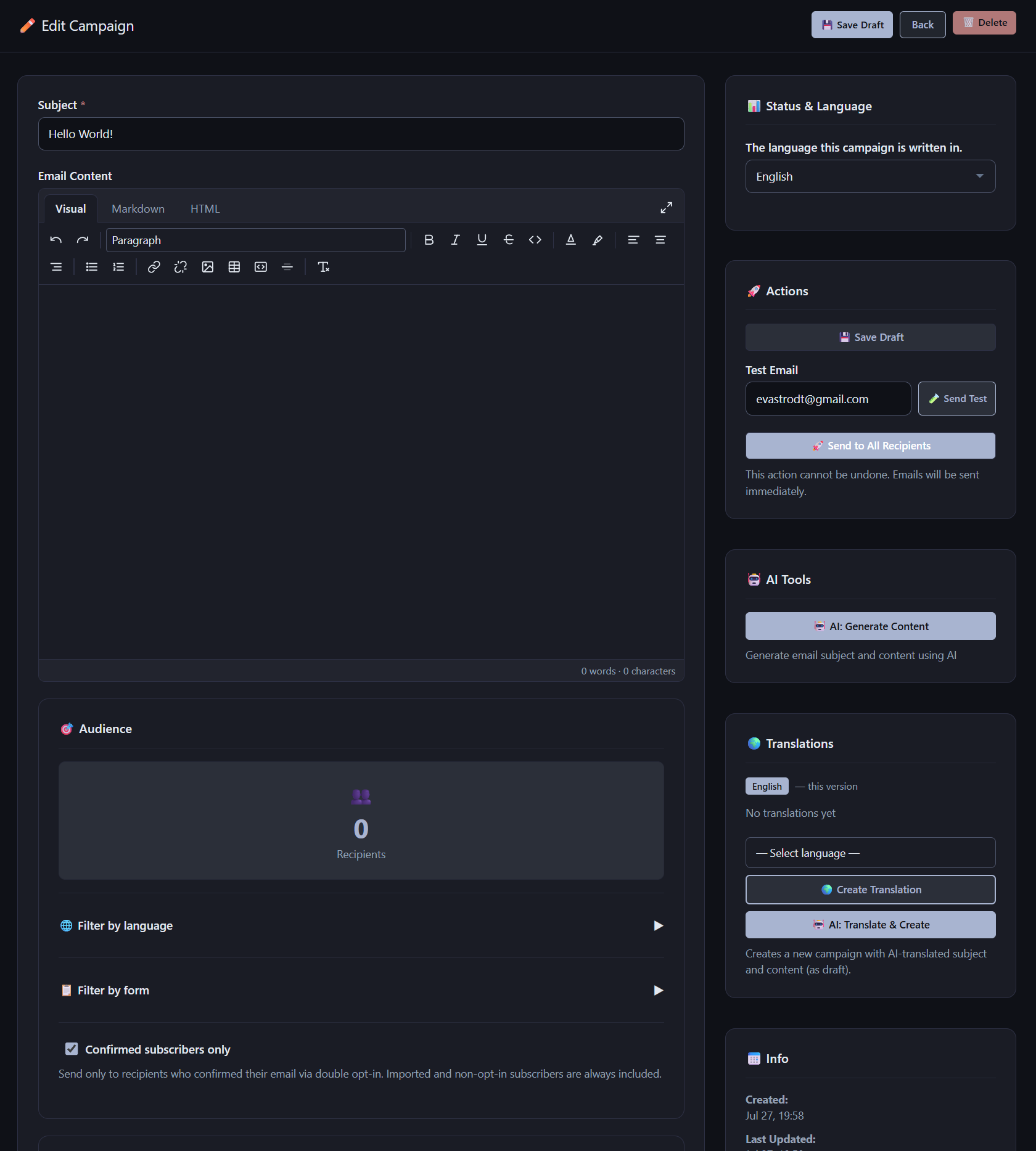
AliothPress sends newsletters natively, with no external mailing service. Campaigns are written in the built-in rich text editor or generated by AI, targeted by subscriber language and by signup form, and delivered through your own SMTP connection. Recipients are collected from form submissions and CSV imports, deduplicated by address, filtered to confirmed subscribers when you choose, and every
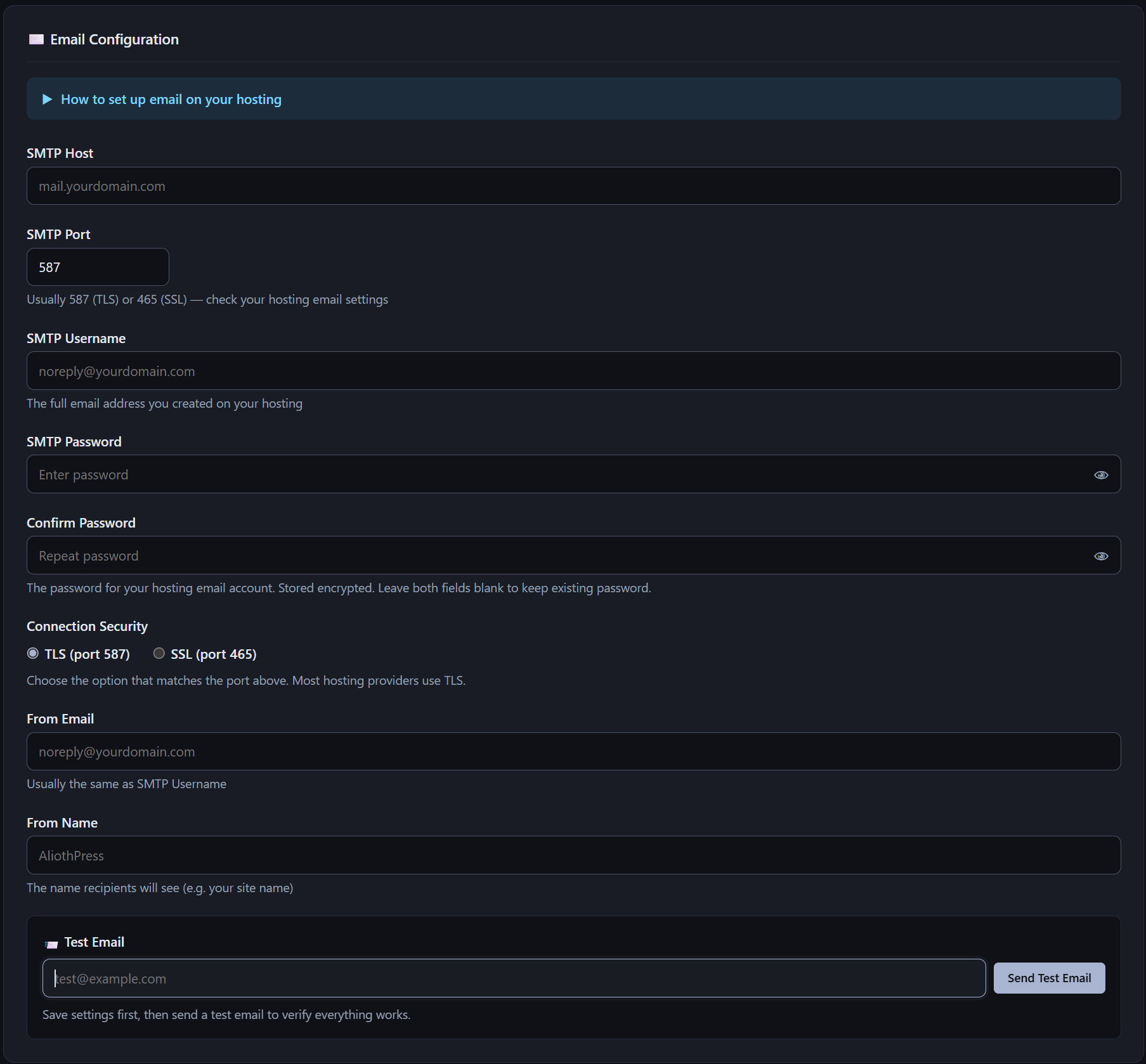
AliothPress sends email through any SMTP server: a mailbox from your hosting provider or an SMTP relay service. Configuration lives in the Settings page, takes five fields, and includes a test send button plus a built-in setup guide. The SMTP password is stored encrypted. One working connection powers everything the CMS mails: user invitations, form notifications, visitor confirmations, double opt-in
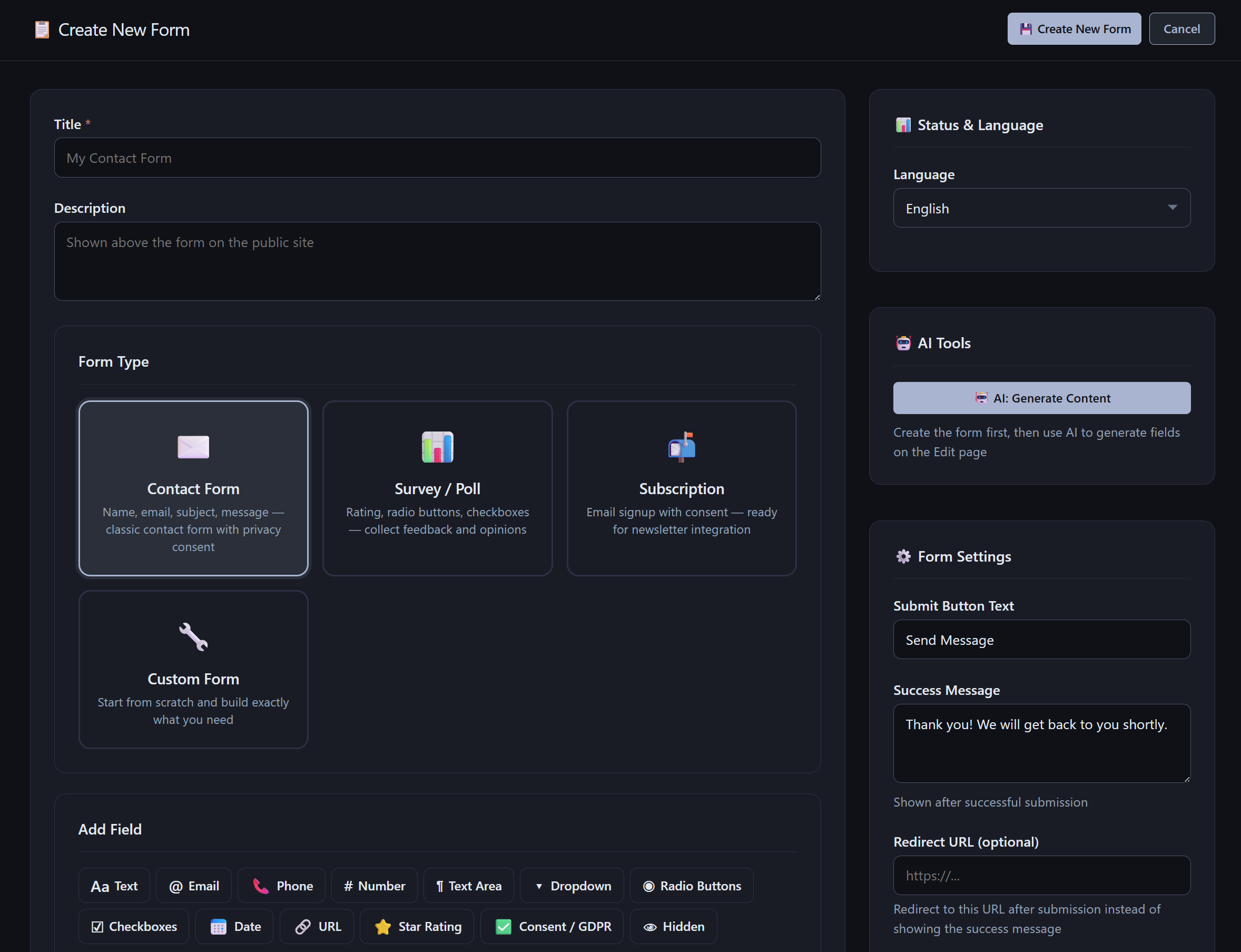
AliothPress includes a form builder with 13 field types, four ready-made templates, and per-form control over notifications, confirmation emails, double opt-in, and anti-spam protection. Forms are placed on any page through the page builder, submissions are stored with status workflow and export to CSV and Excel, and every form can be translated into any of the 31 site languages, manually or with
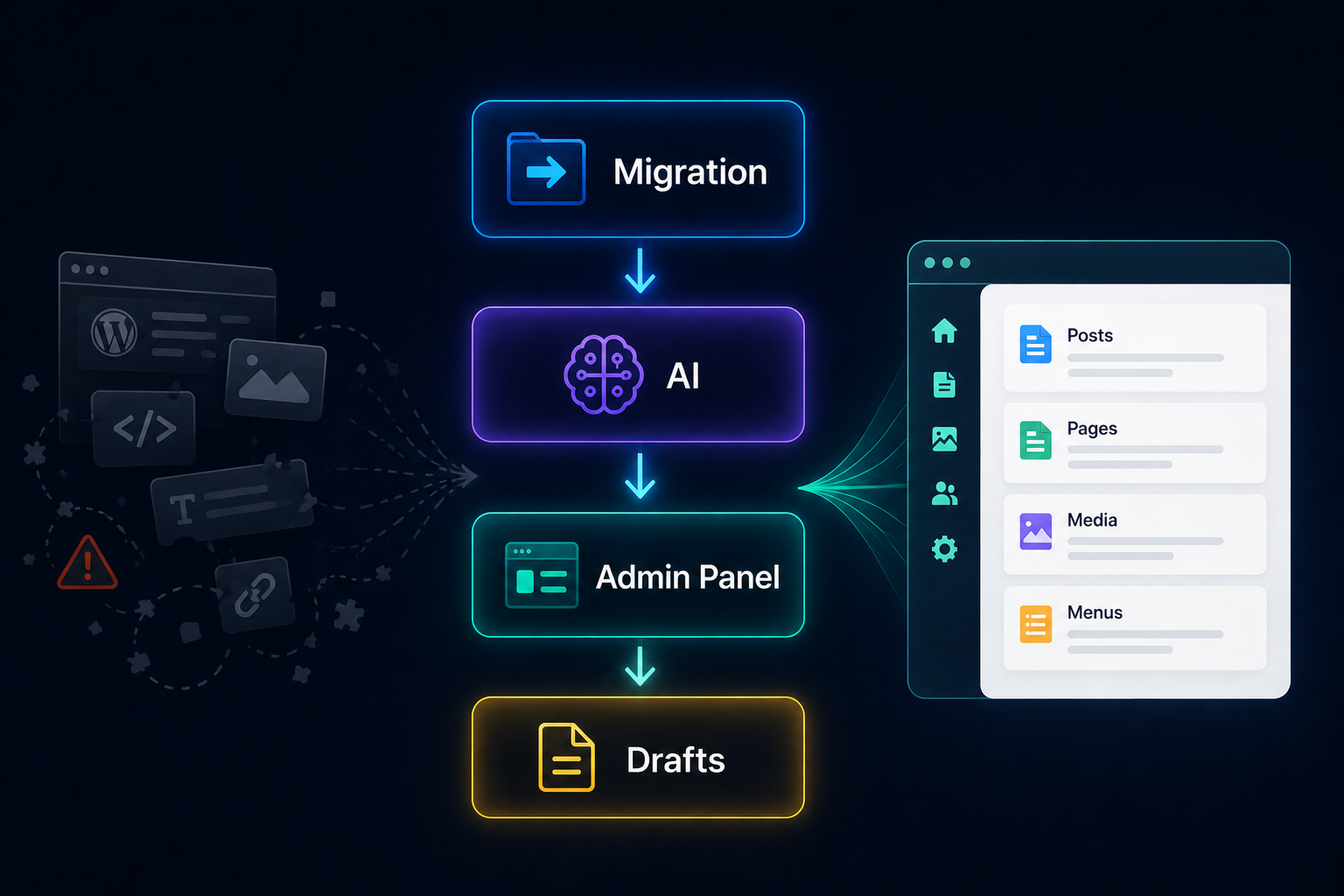
This guide walks through migrating a site from another CMS to AliothPress using an AI agent and the built-in WebMCP tools: no export files, no import plugins, no dependence on whatever your old page builder is willing to give you. The agent does the heavy lifting. You flip two switches, hand it instructions, and approve its work. Everything lands as drafts, and nothing goes public until you publish
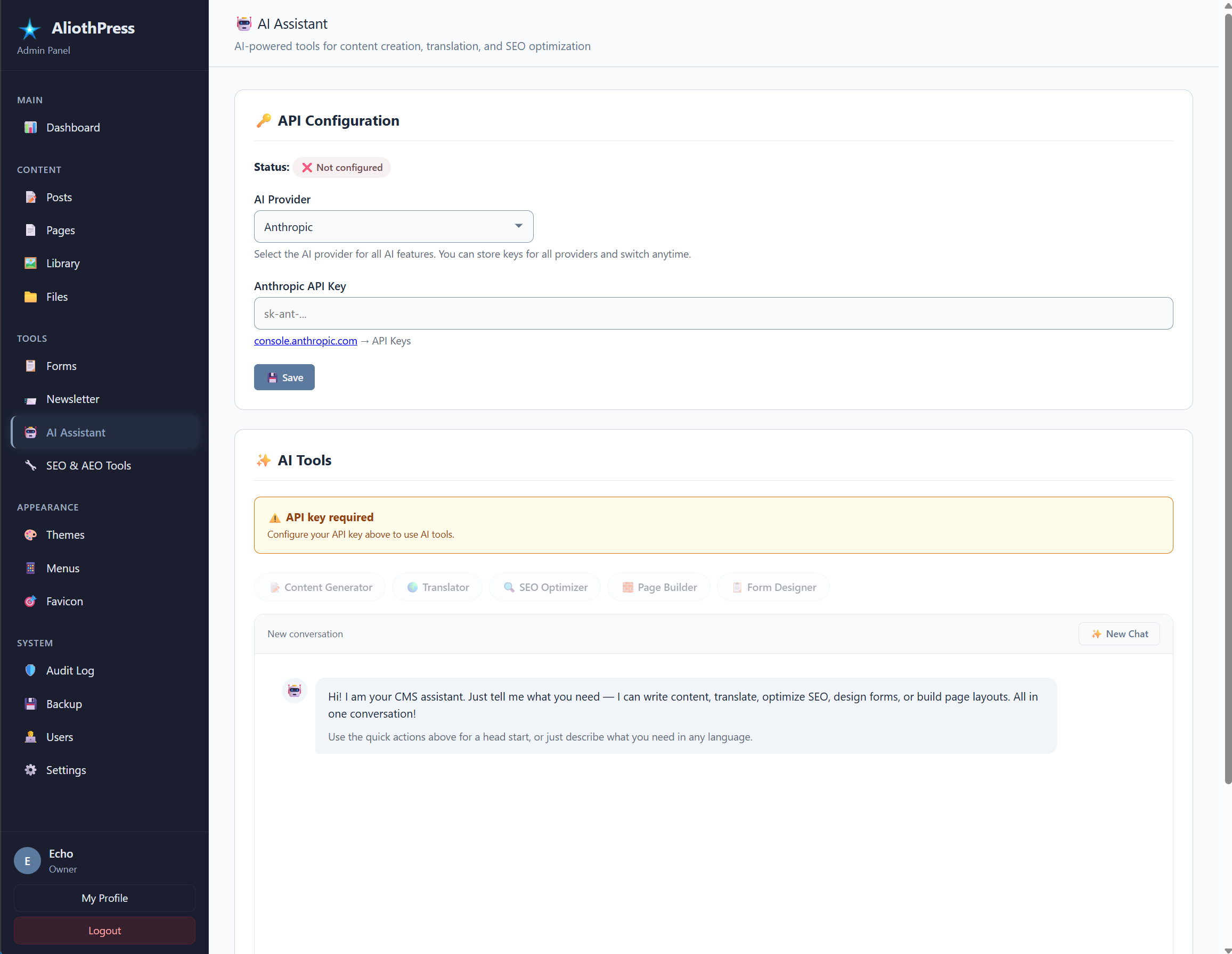
AliothPress ships with a built-in AI Assistant that writes complete posts and pages, translates content into any of the 31 site languages, generates SEO metadata, builds visual page layouts from a text description, drafts newsletters, and creates form fields. It supports three providers, Anthropic Claude, DeepSeek, and Google Gemini, connected with your own API key. Every request travels server-to-server
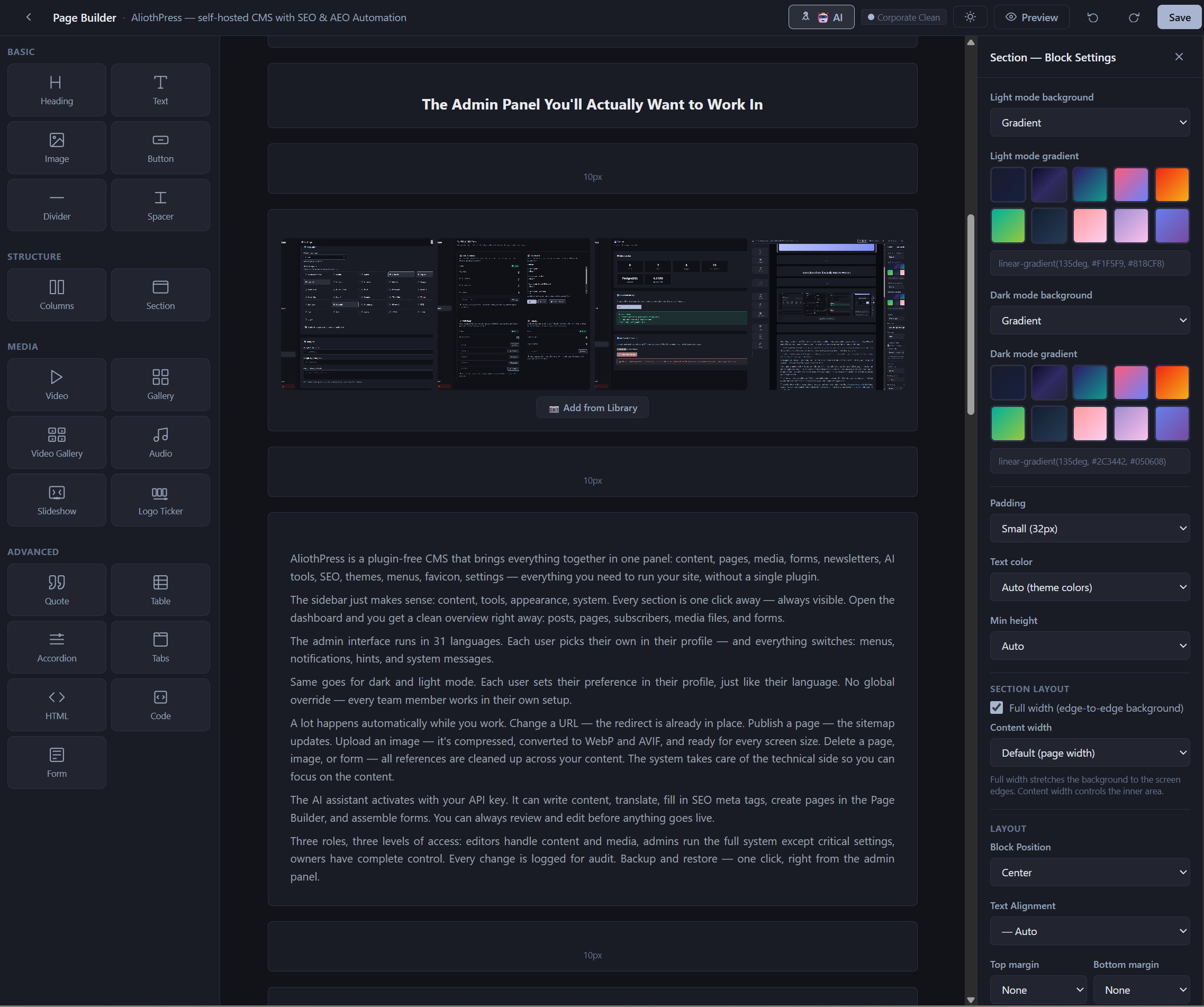
AliothPress includes a block-based visual page builder with 21 block types, drag-and-drop editing, live preview, and AI layout generation. Pages are assembled from blocks in the admin panel and rendered server-side as clean HTML, so the public site loads without a JavaScript framework. Every builder page supports the full multilingual system: translation groups, hreflang, and language-aware navigation.
AliothPress ships with complete search engine optimization and answer engine optimization in the core. Every page carries full meta tags, Open Graph and Twitter Card data, and an interconnected Schema.org @graph with Organization, Person, and Article entities. The CMS auto-generates an XML sitemap with hreflang, an llms.txt summary for AI crawlers, multilingual RSS and Atom feeds,