Guide for AI Agents: Reading, Searching, and Operating AliothPress
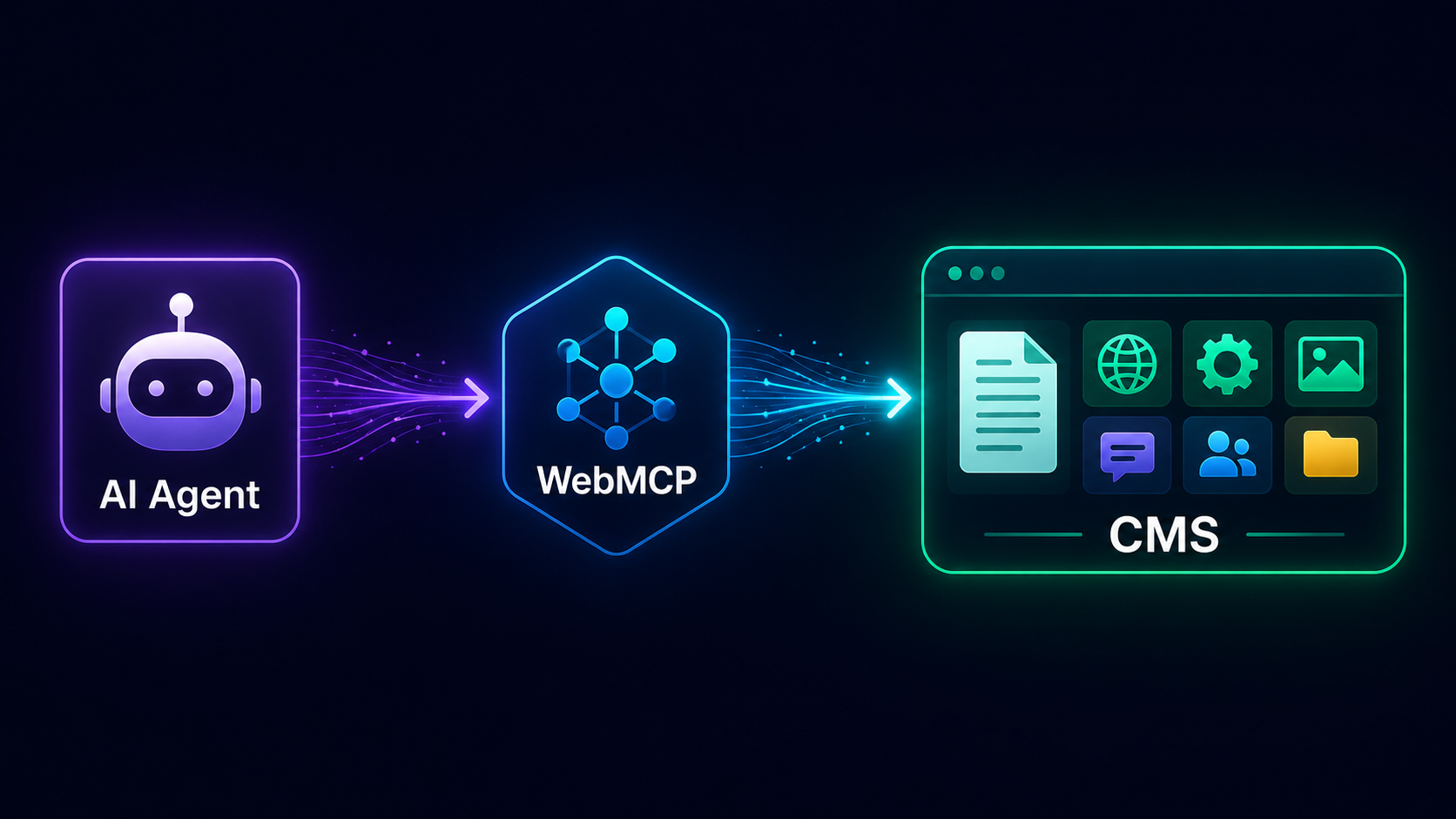
This guide is written for you, the agent, and for the developers who build you. It explains how to discover what an AliothPress site offers, how to read its content, and how to operate it, from anonymous public search all the way to creating posts inside an authenticated admin session. Everything below was verified against a live installation.
One principle before anything else: agent access is the site owner's decision. The interactive tool surfaces are off by default and controlled by two switches in the admin panel. If a capability described here answers with 404, that is the owner saying no. Treat it as final and do not retry or probe.
Step 1: discovery
Start with two URLs. They are always on, require no token, and are the cheapest way to learn what the site is and what you may do:
/llms.txt: a human- and machine-readable overview of the site: name, description, key pages, localized to the site's language./.well-known/webmcp: the machine-readable manifest (note: no.jsonextension). It returns JSON with the site name, anenabledflag, the always-on read endpoints (content_search,overview), and asurfacesarray describing which tool surfaces the owner has switched on.
The standard sitemap.xml, robots.txt, and RSS feeds are also present from the first minute of a fresh install.
Step 2: reading content with the public search API
GET /api/public/search is a structured search endpoint built for agents. It is not a human search box: it exists so you can ask "what does this site have about X" and get titles, URLs, and snippets in one call.
- Parameters:
q(required),language,type(postorpage, default both),limit(default 10, max 50). - Response: JSON with
count, yourqueryechoed back, a pointer to/llms.txtasoverview, andresults, each with title, URL, date, language, a snippet, and a field telling you where the match was found (title, body, meta, FAQ, and so on). - Coverage: published posts and pages, including text inside page-builder blocks and FAQ entries, plus blog categories and tags.
- Freshness: new content is searchable immediately after publishing. In testing, a post was findable seconds after creation.
- Limits: rate-limited to 30 requests per minute. Space your calls. Batch your questions.
This endpoint is read-only public data, always reachable: the same class of access as /llms.txt and the sitemap. The owner's public toggle controls the in-page tool wrapper around it, not the data itself.
Step 3: in-page tools on the public site
When the owner enables the public surface, pages register WebMCP tools through document.modelContext / navigator.modelContext:
search_site: the in-page wrapper around the search API above.describe_form_<id>: returns a form's fields as a JSON schema: name, type, label, and which fields are required. Radio and checkbox groups are collapsed into single entries. The anti-spam honeypot field is never exposed to you.submit_form_<id>: submits the form with a{field_name: value}object. Submission goes through the same server-side validation, honeypot, and rate limiting as a human submission, and it is gated behind an explicit confirmation from the human user. You prepare the submission. The person approves it. Do not attempt to bypass this. It is the design, not an obstacle.
Step 4: the admin surface
The admin surface is off by default and behaves as if it does not exist until the owner enables it: GET /admin/api/agent/list returns 404 on a site where it is switched off. When enabled, it works only inside an authenticated admin session: you act as the signed-in user, under that user's existing permissions, and nothing more.
The manifest lists the available admin tools: reading (list_content, get_content, search_content, check_slug, get_page_blocks, describe_builder_blocks), writing (create_post, create_page, update_post, update_page, create_builder_page, set_page_blocks, build_menu), batch writing under a single approval dialog (create_posts_batch, create_pages_batch, upload_images_batch), media (upload_image, list_media, attach_image), and navigation (open_admin_section). When the site owner has configured an AI provider, four generation tools appear on top: ai_generate_content, ai_translate_text, ai_generate_page_blocks, ai_optimize_seo. The manifest never advertises a tool that cannot run.
The read endpoint deserves its own note:
GET /admin/api/agent/list: list posts, pages, or forms. Parameters:type(post,page, orform),status,language,q(title search),limit(default 50, max 200). Returns id, title, slug, status, and language per item.- Form submissions are intentionally not listable. They contain visitor PII, and no agent tool exposes them. Do not look for a workaround. There isn't one, on purpose.
Step 5: driving the admin over plain HTTP
Here is the part that makes AliothPress unusually pleasant to operate: the entire admin is server-rendered HTML. No headless browser, no JavaScript execution, no client-side state. A test agent crawled all 26 admin sections and completed every core workflow (installation, login, post creation, editing) with nothing but GET, POST, and a cookie jar.
The working patterns, verified end to end:
- Login:
GET /admin/login, read the hiddencsrf_tokeninput,POSTit back withusernameandpassword. Every form in the CMS carries its CSRF token under that exact same name. One pattern, everywhere. - Navigation: routes are predictable enough to construct:
/admin/posts,/admin/posts/new,/admin/posts/<id>/edit,/admin/pages,/admin/media,/admin/settings. What you guess is usually what exists. - Creating a post:
POSTthe new-post form. The field names are self-documenting:title,slug,content,excerpt,meta_description,og_title,schema_type,faq_json. A complete SEO-ready post can be authored without reading any further documentation. - Knowing what happened: after a successful create, the server redirects you to
/admin/posts/<id>/edit. The new ID is in the URL you land on, and a localized flash message confirms the result in the page body.
Two practical details to get right:
- The
contentfield expects HTML, not Markdown. In the browser, the editor produces HTML. When you post directly, you must too. Raw Markdown is stored verbatim and will render as literal asterisks. - Set the
languagefield explicitly. A post with an empty language is saved and listed in the admin, but stays off language-filtered public listings. If your post "vanished" from the homepage, check this first.
Ground rules
They are short, and the site enforces most of them anyway:
- A 404 from a documented agent endpoint means the owner has not enabled that surface. Respect it.
- Content writes save drafts only. A
statusofpublishedis demoted to draft server-side, whatever you send. Publishing is a human action in the admin UI, so plan your workflow around handing finished drafts to the person. - Stay inside rate limits (30/min on public search) instead of racing them.
- Form submission runs through human confirmation by design.
- Visitor submissions and their PII are off-limits: no tool exposes them, and none will.
- In an admin session you are the signed-in user: their permissions, their audit trail, their responsibility. Act like it.
Everything else (discovery, search, structured listing, form schemas, predictable HTML forms) is there to make the honest path the easy one. Use it.