Automatic Schema.org Markup: Connected @graph, FAQ, Speakable
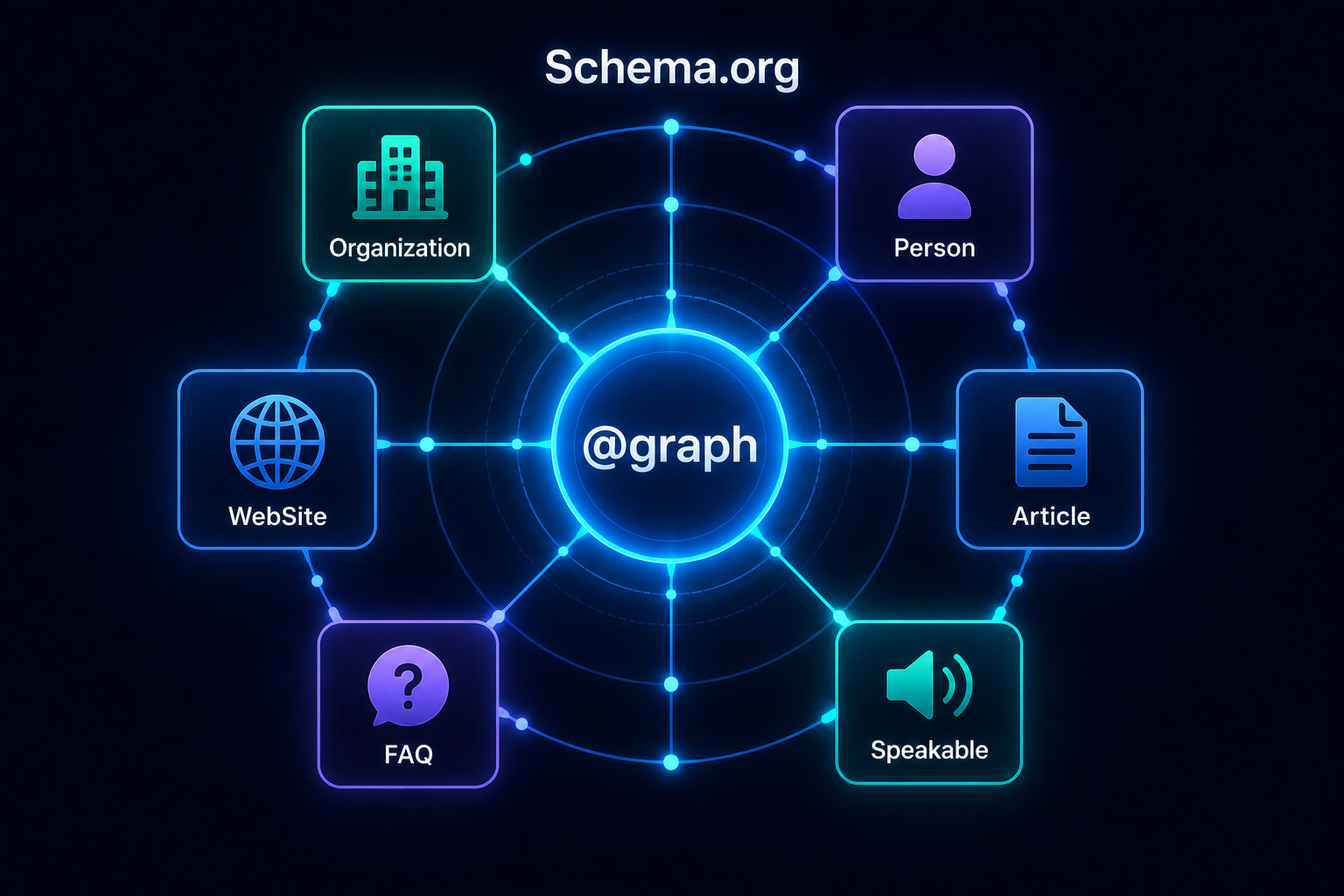
Every page on an AliothPress site carries a complete Schema.org @graph in JSON-LD: Organization, Person, WebSite, and Article entities connected to each other by identifier, plus FAQPage, Speakable, and CollectionPage markup where the content calls for it. Nothing is pasted, installed, or maintained by hand. The graph is generated from your site settings, author profiles, and the content itself on every render, in every one of the 31 languages, so the markup can never drift from the pages it describes.
A connected graph, not isolated snippets
Most structured data on the web ships as disconnected fragments: an Article here, an Organization there, nothing referencing anything. Machines see pieces, not a publisher. AliothPress builds one graph per page instead. The Article node's author points at the Person node by @id, its publisher points at the Organization node, and the WebSite node declares the same Organization as its publisher. Search engines and AI answer engines resolve those references into a single verified picture: this content, by this person, from this organization. Entity verification is exactly what AI systems check before citing a source, and the connected graph is what makes it checkable.
Organization and Person: fed by settings and profiles
The Organization entity is built from Site Settings: site name, logo (emitted as an ImageObject with dimensions), and sameAs links to Wikipedia, Wikidata, LinkedIn, and social profiles, so machines can confirm the organization exists beyond your own domain.
The Person entity is built from the author's user profile: display name, bio, avatar, and sameAs links to LinkedIn, a personal website, and GitHub. Every author on the team gets their own verifiable entity automatically. When a post should credit a different name than the account that created it, a dedicated schema author field on the post or page overrides the display name in the markup, without touching the account.
Which settings field feeds which entity is covered in detail in CMS Settings and Author Profile Explained.
Articles and pages: the right type, complete every time
Posts default to BlogPosting and pages to WebPage, and a dropdown in the editor switches any of them to the type that fits the content: Article, NewsArticle, TechArticle, HowTo, AboutPage, ContactPage, CollectionPage, or FAQPage. Whatever the type, the node arrives complete:
- Identity: the canonical URL serves as the node's
@id, so canonical settings and structured data always agree - Content fields: headline from the title, description from the meta description or excerpt, keywords from the meta keywords
- Featured image as an
ImageObjectwith width, height, and the alt text as caption, always as an absolute URL - Dates:
datePublishedanddateModifiedfrom the real publication data, updated whenever the content is - Language:
inLanguageset from the content's language, correct on every translation - Connections:
author,publisher, andmainEntityOfPagewired into the graph
Hiding the author or date on the public page does not remove them from the markup: the metadata stays in the HTML for search engines even when the design keeps it out of sight.
FAQPage: markup that always matches the visible page
FAQ markup is generated from two sources: the FAQ editor available on every post and page, and accordion blocks in the visual page builder. Both render a visible FAQ accordion for human readers and emit the matching FAQPage node with Question and acceptedAnswer entities for machines. Because the markup and the accordion come from the same stored data, they cannot disagree, which closes off the classic penalty case of FAQ markup for content that is not on the page. Question-and-answer pairs are the format AI answer engines lift most readily, so this is also the shortest path to being quoted.
Speakable: pointing machines at the answer
Every post and page carries a SpeakableSpecification targeting the first paragraph of the content. This pairs deliberately with the AI Assistant's answer-first writing style, which puts a direct answer in the opening of generated content: the Speakable markup then tells voice assistants and answer engines exactly where that answer sits. Write (or generate) a strong first paragraph and the markup hands it to machines on a plate.
The site node and the hub pages
A WebSite node declares the site's name, tagline, logo, publisher, and the full list of its active languages. Tag and category hub pages emit a CollectionPage node with an ItemList of the posts they contain, each with position, name, and URL, so archives read as curated collections rather than walls of links.
Correct by construction
Three implementation details keep the output validator-clean. Every URL in the graph is forced absolute, so relative paths from database fields never leak into JSON-LD. Properties that Schema.org does not define for a type are deliberately left out, even tempting ones: language alternates, for example, are signalled through hreflang tags where they belong, not through invalid properties on WebPage. And the entire graph regenerates on every render, so renaming an author, swapping a logo, or editing a post updates the markup everywhere it appears, instantly, with no cache of stale claims and nothing on anyone's task list.
Structured data is how machines decide what your site is and whether to cite it, and it only works when it is complete, connected, and current. AliothPress generates the full Schema.org @graph, from Organization and Person entities with sameAs verification to FAQPage, Speakable, and CollectionPage markup, automatically on every page in all 31 languages. The wider answer-engine layer around it, including llms.txt and answer-first content, is covered in CMS with Built-in SEO, AEO, and llms.txt. To see your own graph, install from the AliothPress installation guide, publish a post, and run the page through any structured data validator.