Link Integrity: Automatic 301 Redirects and Cascade Reference Cleanup
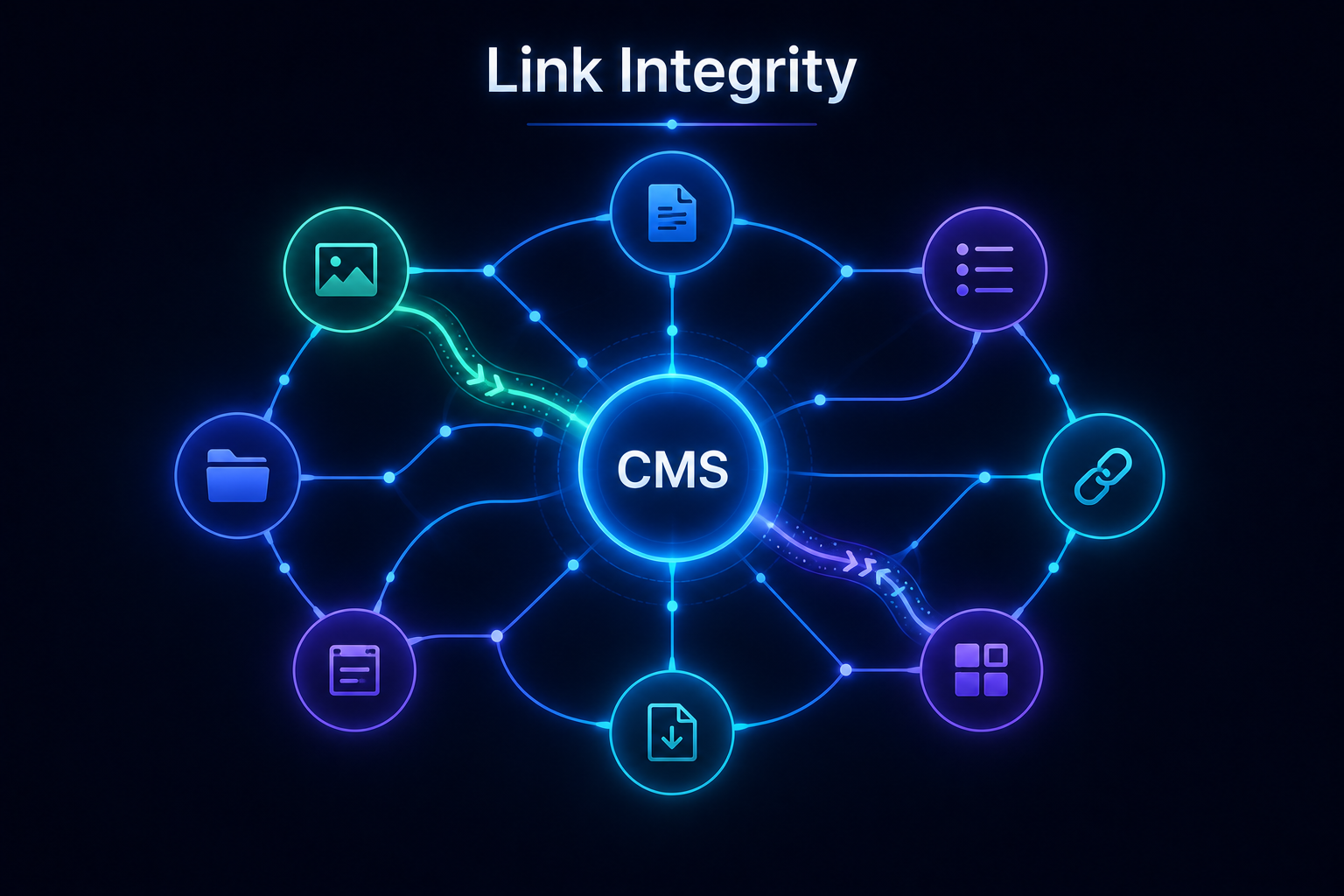
AliothPress handles content structure changes at the core level through two automated mechanisms: One-Hop 301 Redirects for renamed URLs and Cascade Reference Cleanup for deleted assets. Change a slug and a permanent 301 redirect appears on its own, so old URLs, backlinks, and rankings keep working. Delete an image, file, form, post, or page and every reference to it is cleaned from the entire site: menus, content, builder blocks, everywhere. The engine handles all of it without plugins, scheduled link checkers, or manual audits.
Renaming: automatic 301 redirects
Every published post and page has a slug, and slugs change: titles get rewritten, URLs get shortened, keywords get updated. On any slug change, the engine records a permanent 301 redirect from the old address to the new one:
- Backlinks keep working. Every link earned by the old URL still lands on the content.
- Rankings transfer. A 301 tells search engines the move is permanent.
- Visitors reach the page, whichever old address they use.
Redirect chains are flattened
AliothPress flattens redirect chains at write time. Rename a page twice (A to B, then B to C) and the existing A-to-B redirect is rewritten to point straight at C. Every old URL resolves in exactly one hop, no matter how many times the content was renamed. Chained redirects, the usual outcome of repeated renames in other systems, waste crawl budget, slow visitors down, and leak link equity. The one-hop rule removes the whole problem class. Redirects are also manageable by hand in the admin for custom cases.
Deleting: automatic reference cleanup
Deleting content is where broken links usually hide: the page is gone, but a menu item, a button, and three internal links still point at it. AliothPress cleans up at the moment of deletion:
- Delete a page or post. Internal links to it in other content are unwrapped: the text stays readable, only the dead link is removed. Builder buttons pointing to it are removed. Menu items linking to it are deleted.
- Delete an image. Every URL it was reachable by is scrubbed sitewide: the base image, all responsive variants, the social media crop, and absolute or relative address forms, across posts, pages, builder blocks, newsletters, and settings.
- Delete a form. Form blocks embedding it are removed from every page.
- Delete a file. Download links to it are cleaned from all content.
The cleanup understands how content is actually referenced: an editor might paste an absolute URL, a builder block stores a relative one, a newsletter might use a specific image size. All variants are covered.
Check before you delete
Deletion happens with full information. The media library and content lists check usage first: before removing an image, form, file, or page, the admin shows exactly where it is used, listing the posts, pages, and menus involved. You decide with the complete picture. The cleanup then guarantees nothing dangling is left behind.
Why this matters for SEO
Search engines treat 404s and broken internal links as quality signals. Sites accumulate them silently for years, then pay for crawl audits and link-checker subscriptions to find what the CMS broke in the first place. AliothPress closes the two failure modes at the source: renames redirect, deletions clean up. The site simply never starts accumulating link rot.
AliothPress closes both sources of link rot automatically: one-hop 301 redirects for everything renamed, sitewide reference cleanup for everything deleted.