Building an AliothPress Theme
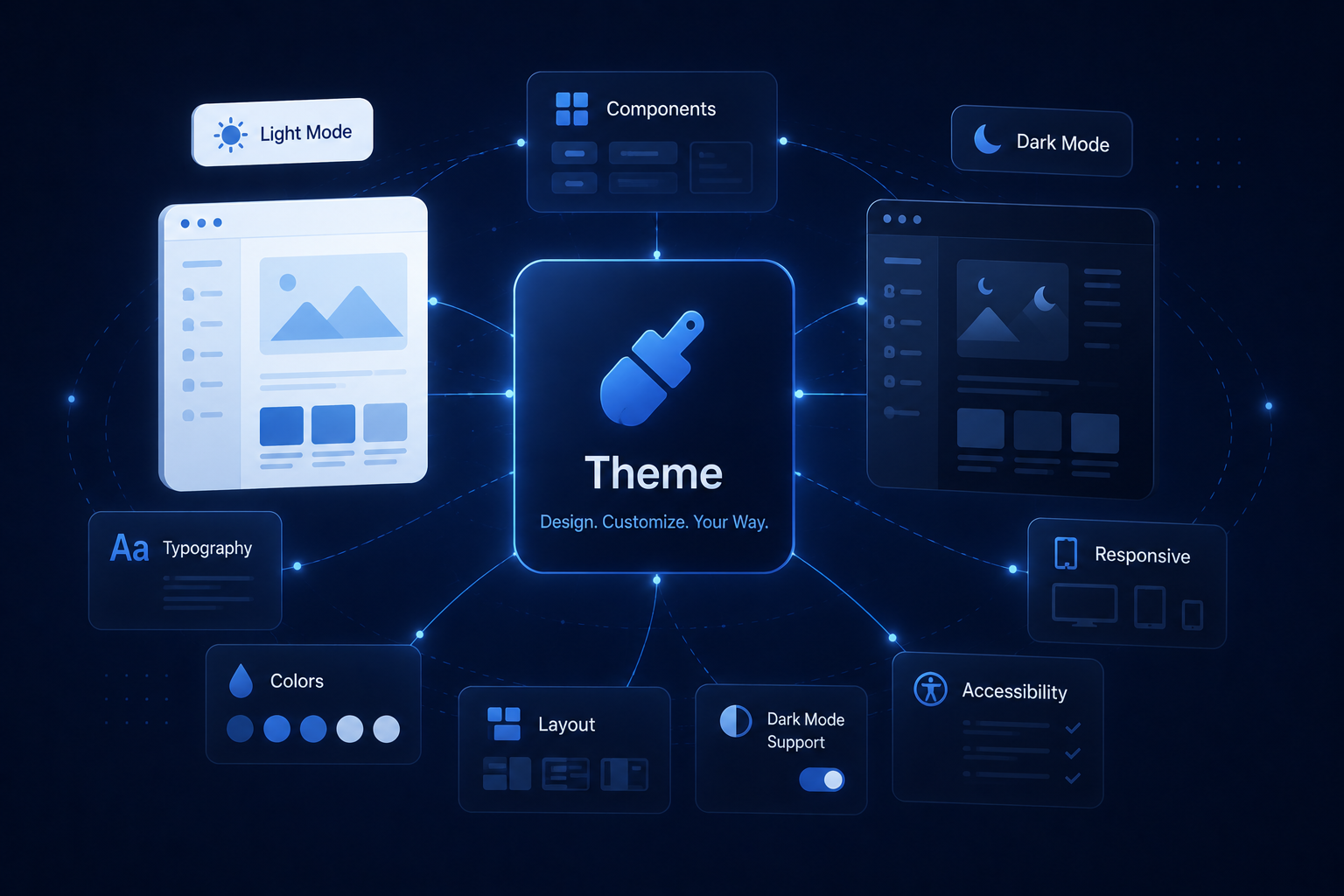
An AliothPress theme is a folder with a single required file, theme.css, plus a preview image for the theme gallery. There is no build step, no templating language to learn, and no code to write: the CMS renders the markup, and your stylesheet defines colors, typography, and atmosphere through CSS variables. The fastest way to build a theme is to copy one of the 15 built-in themes and make it yours.
Copy a built-in theme
Every installation carries its themes in the static/css/themes/ folder, one theme per subfolder. Pick the built-in theme closest to your vision, copy its folder under a new name, and you already have a valid, activatable theme. From there, restyling is an edit loop on one file.
The folder name is the theme's identity. Use lowercase letters, digits, and hyphens (midnight-garden, paper-and-ink), and pick a name that differs from the built-in themes so CMS updates never touch your files.
The structure of theme.css
Open any built-in theme and you will find the same pattern:
- A comment header at the top. The line starting with
Concept:becomes the theme's description in the admin gallery. - A
:rootblock defining the design tokens: background, surface, text, accent colors, fonts, radii. This is where most of your work happens. - A
.light-themeblock overriding those tokens for light mode. Themes that define it get the visitor-facing light and dark toggle automatically; themes without it run in a single mode.
Because the entire public site, including page builder blocks, draws from these variables, changing a handful of tokens restyles everything consistently: posts, pages, forms, menus, and the blog listing.
The preview image
Add a preview.svg (or PNG, JPG, WebP) to the folder and the theme gallery shows it as the thumbnail. An SVG mockup of your palette and typography works well and stays tiny. Themes without a preview still work; the gallery shows a placeholder.
Fonts and assets
Font files and decorative images can live inside the theme folder and be referenced with relative paths from theme.css. Self-hosted fonts keep the site independent of third-party requests, which your visitors' privacy and your page speed both appreciate.
Testing and shipping
Drop the folder into static/css/themes/ on a development installation, or zip it and upload it on the Themes page: it appears in the gallery instantly, no restart involved. Check both color modes, check a posts page and a builder page, and look at the admin's theme card to confirm your description and preview.
To distribute the theme, zip the folder. Anyone running an AliothPress site installs it in three clicks on the Themes page, and their CMS updates will never overwrite it.
For the user side of themes, uploading, activating, and updating, see the custom themes guide. The rest of the documentation covers plugins and pages. Ready to try? Install AliothPress and open any theme folder for reference.